Sign Up with Epic Games





!
The Library
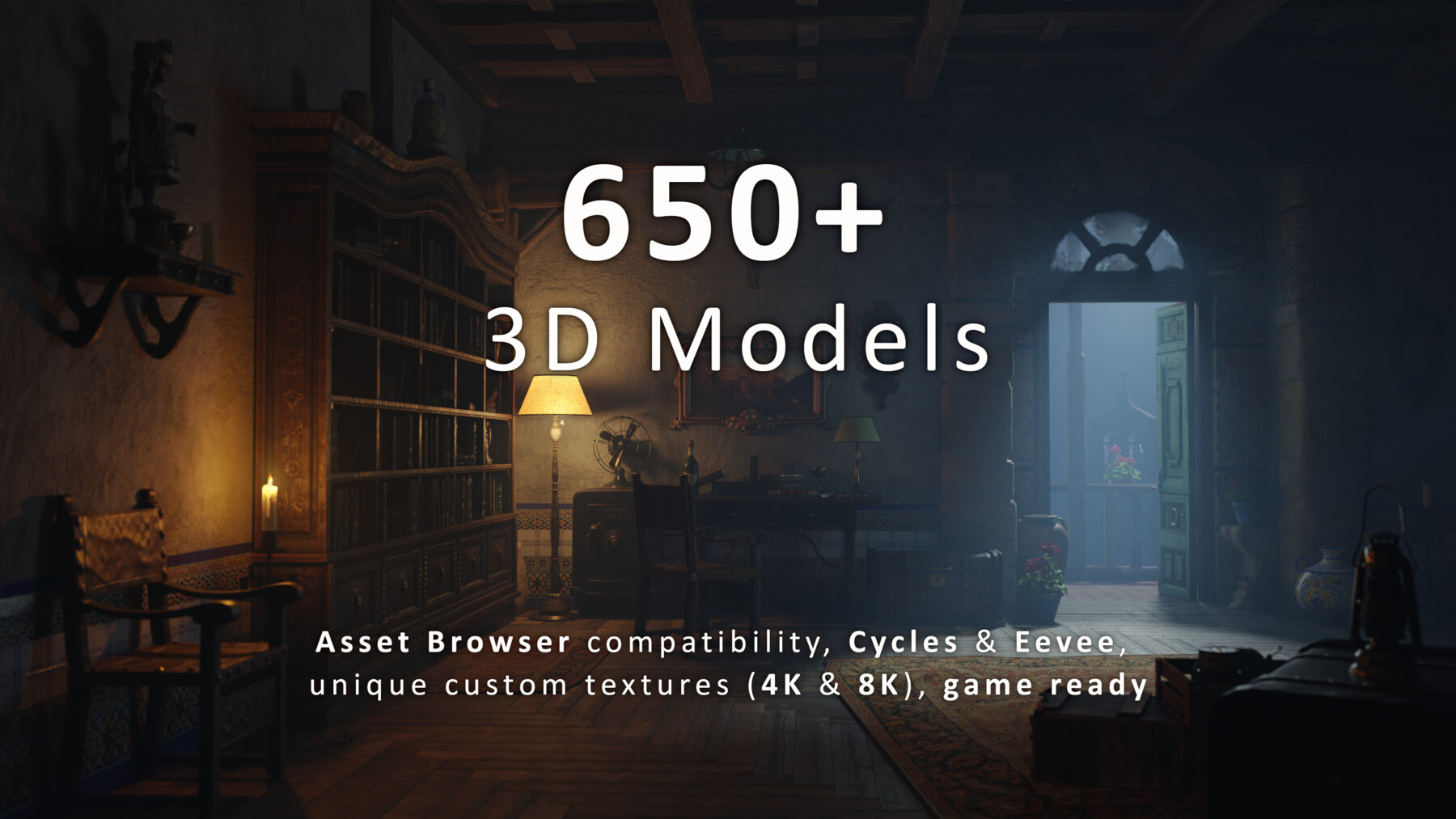
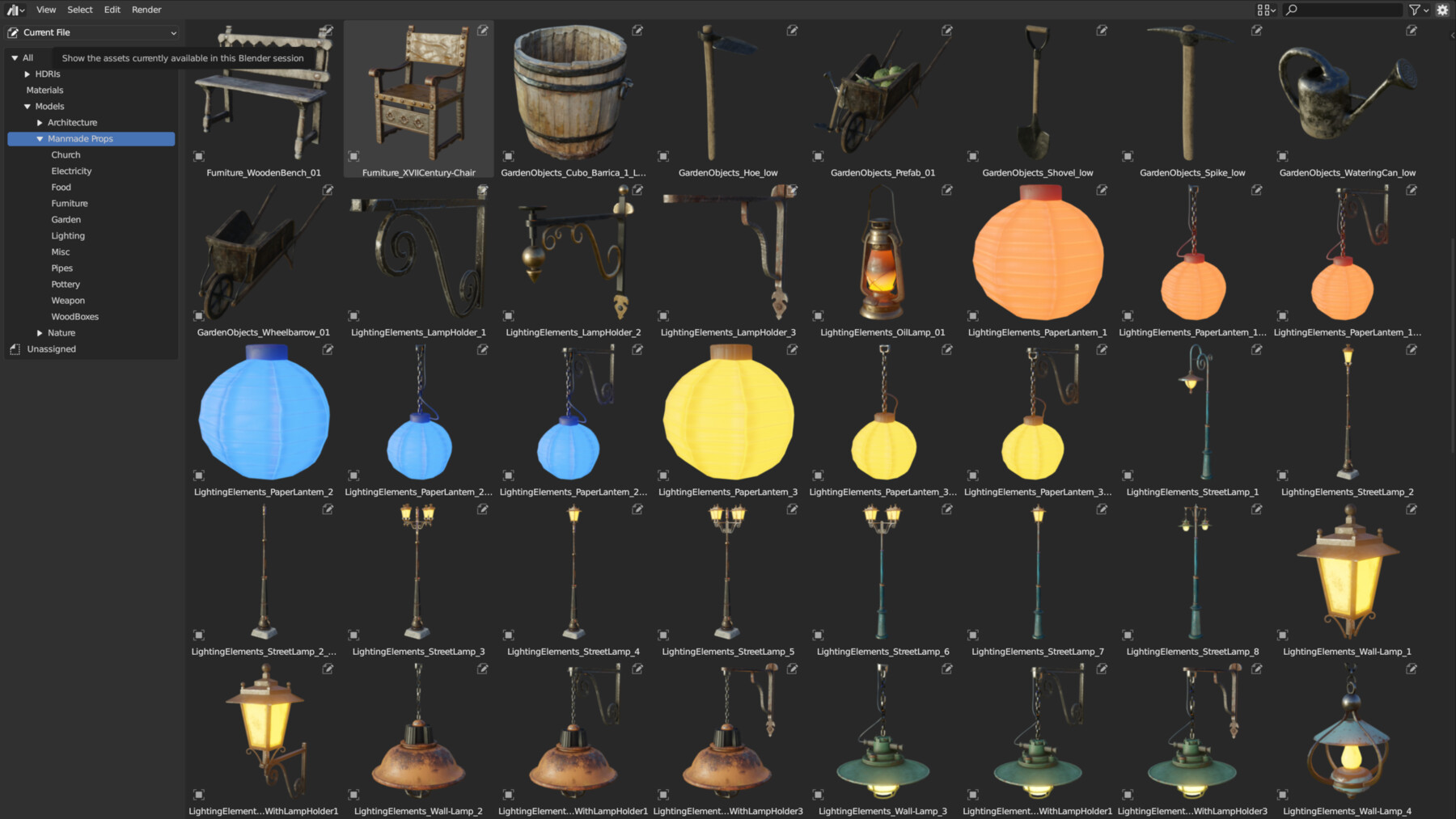
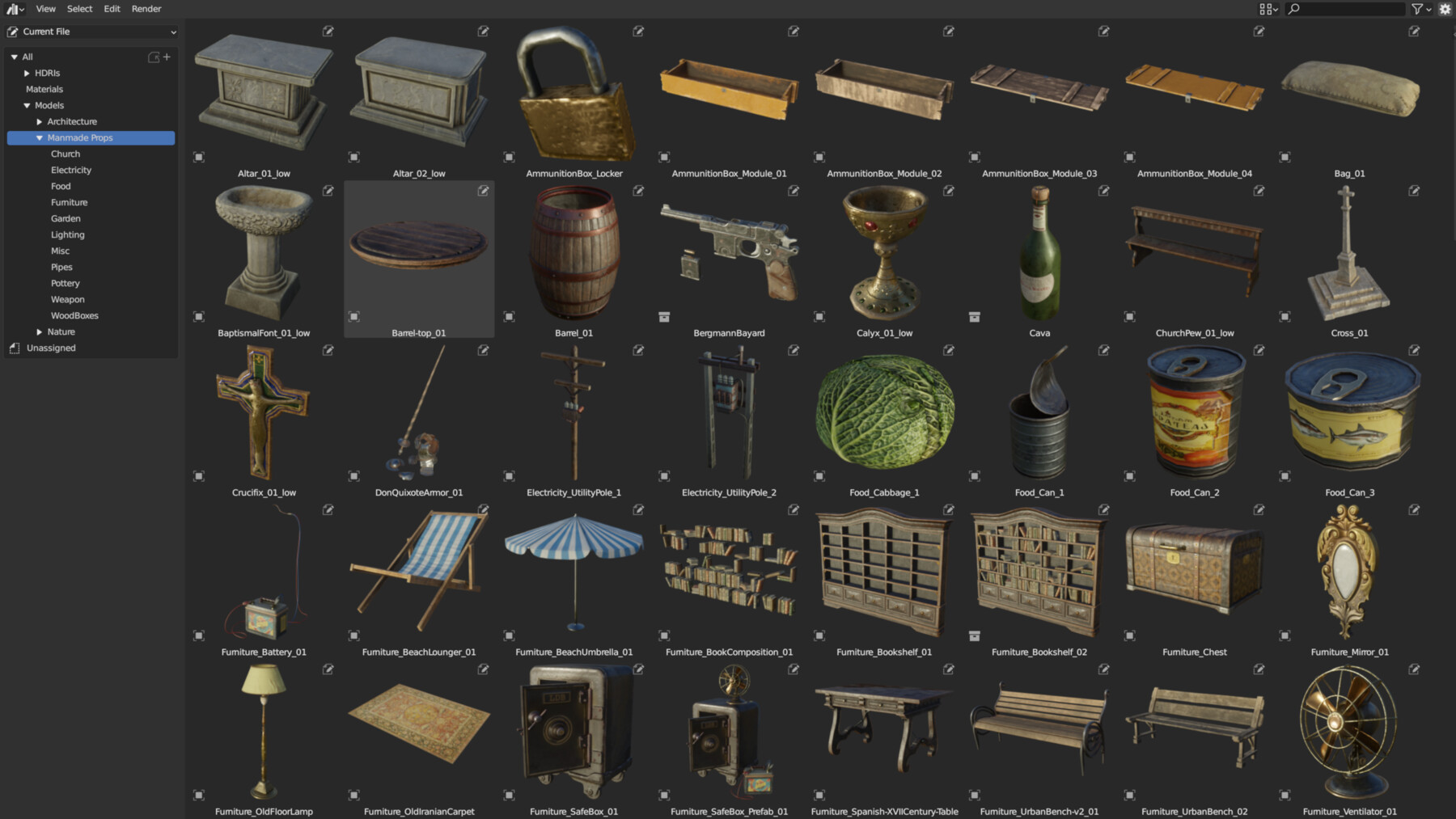
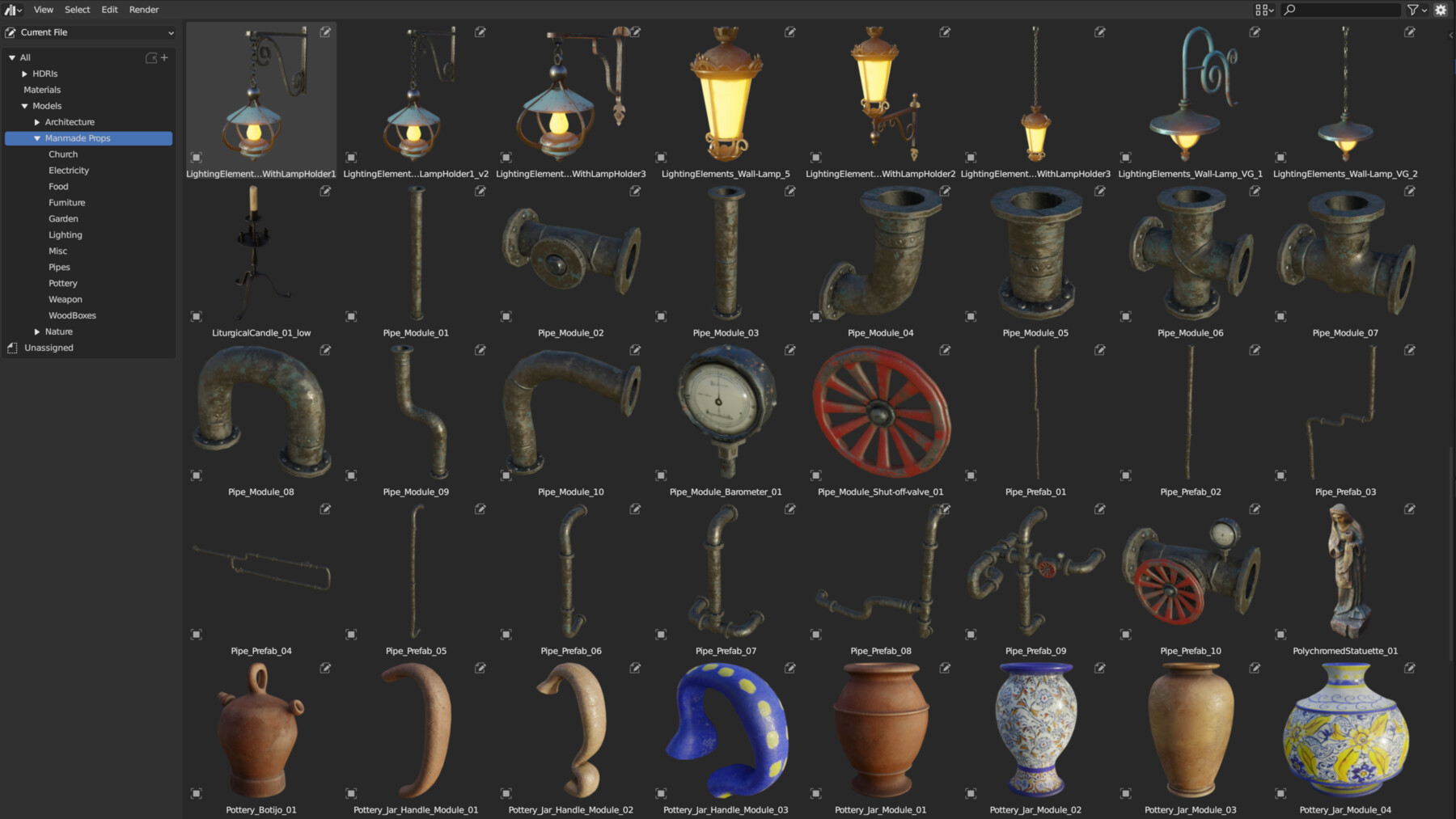
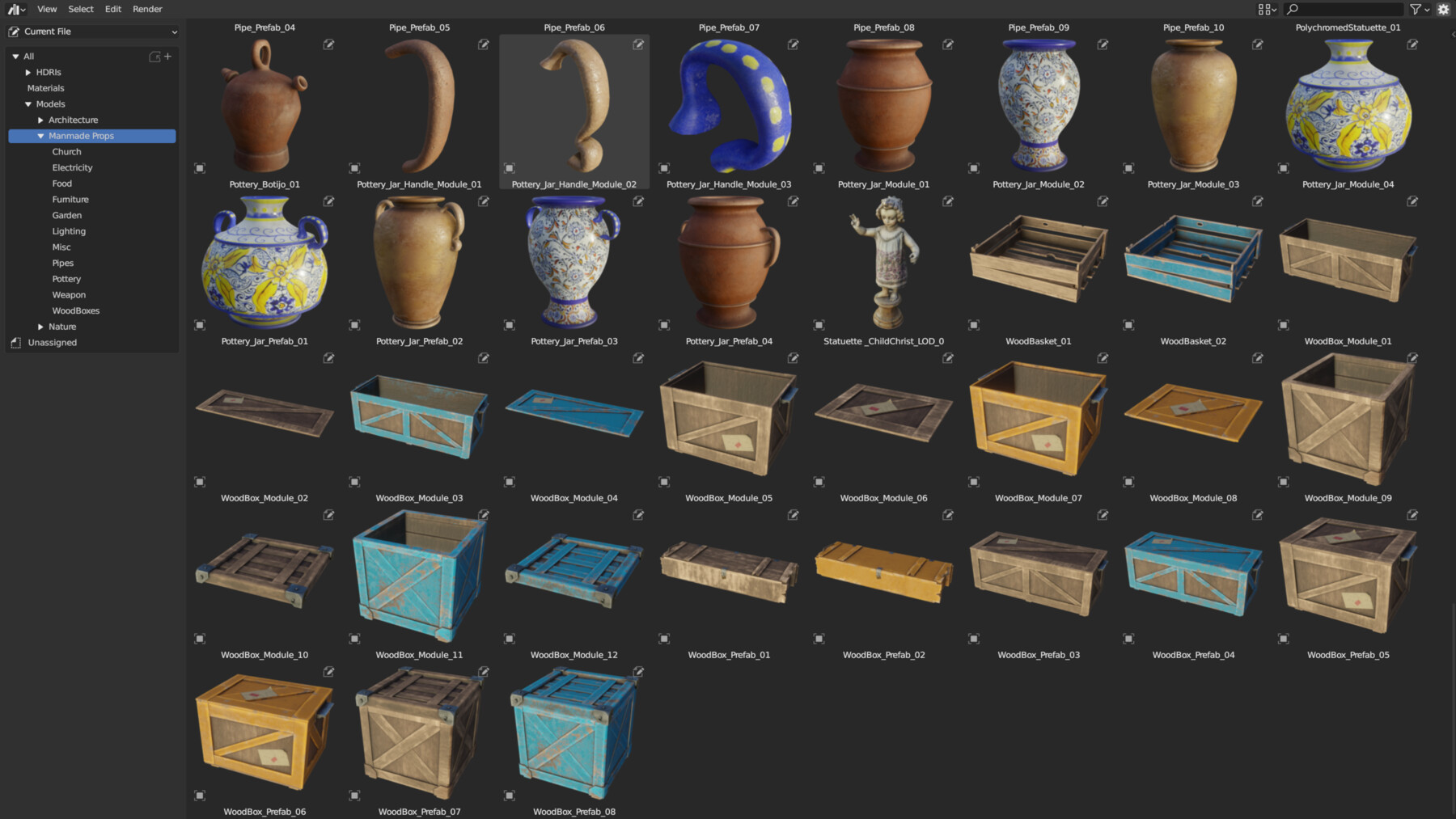
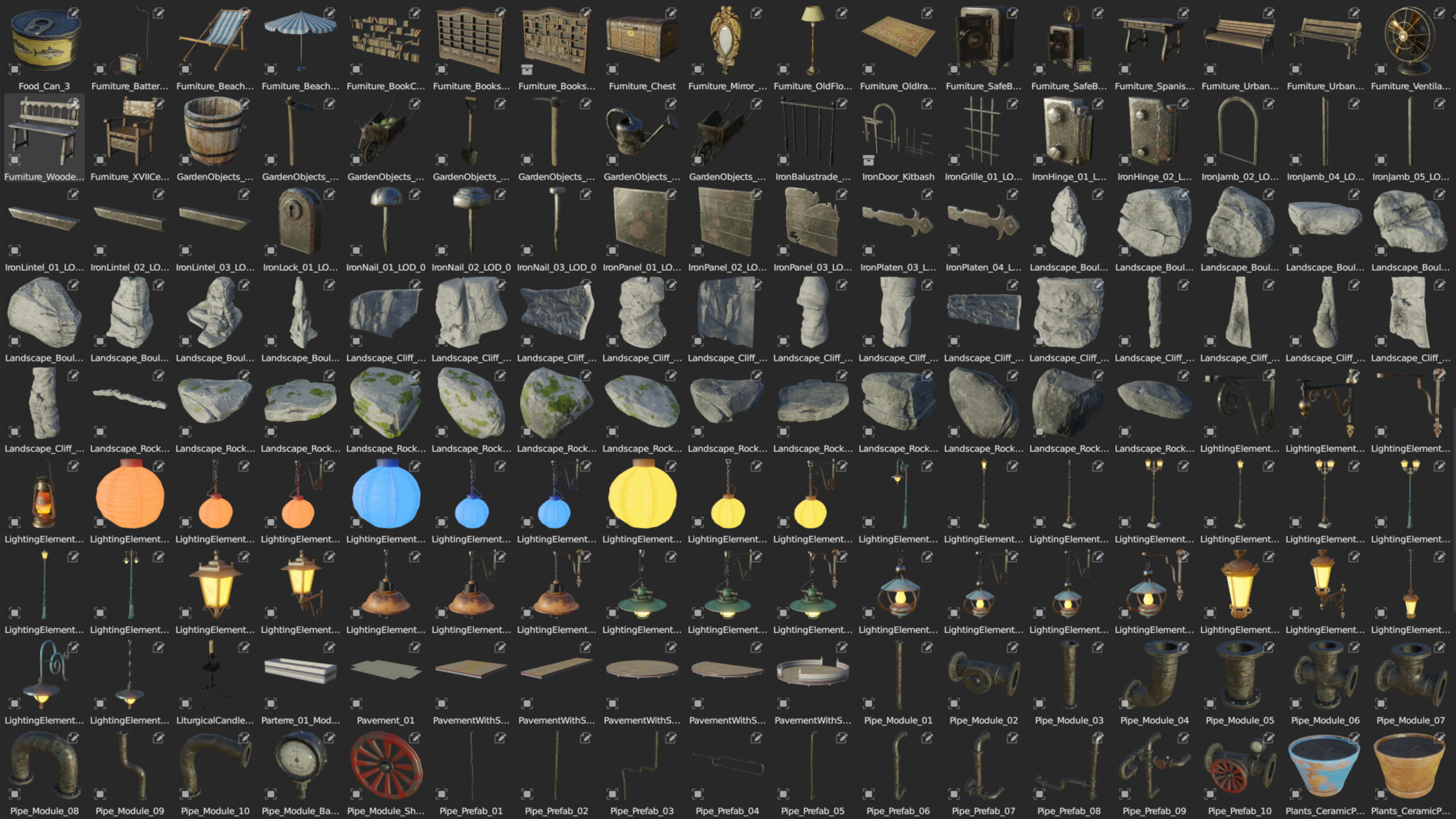
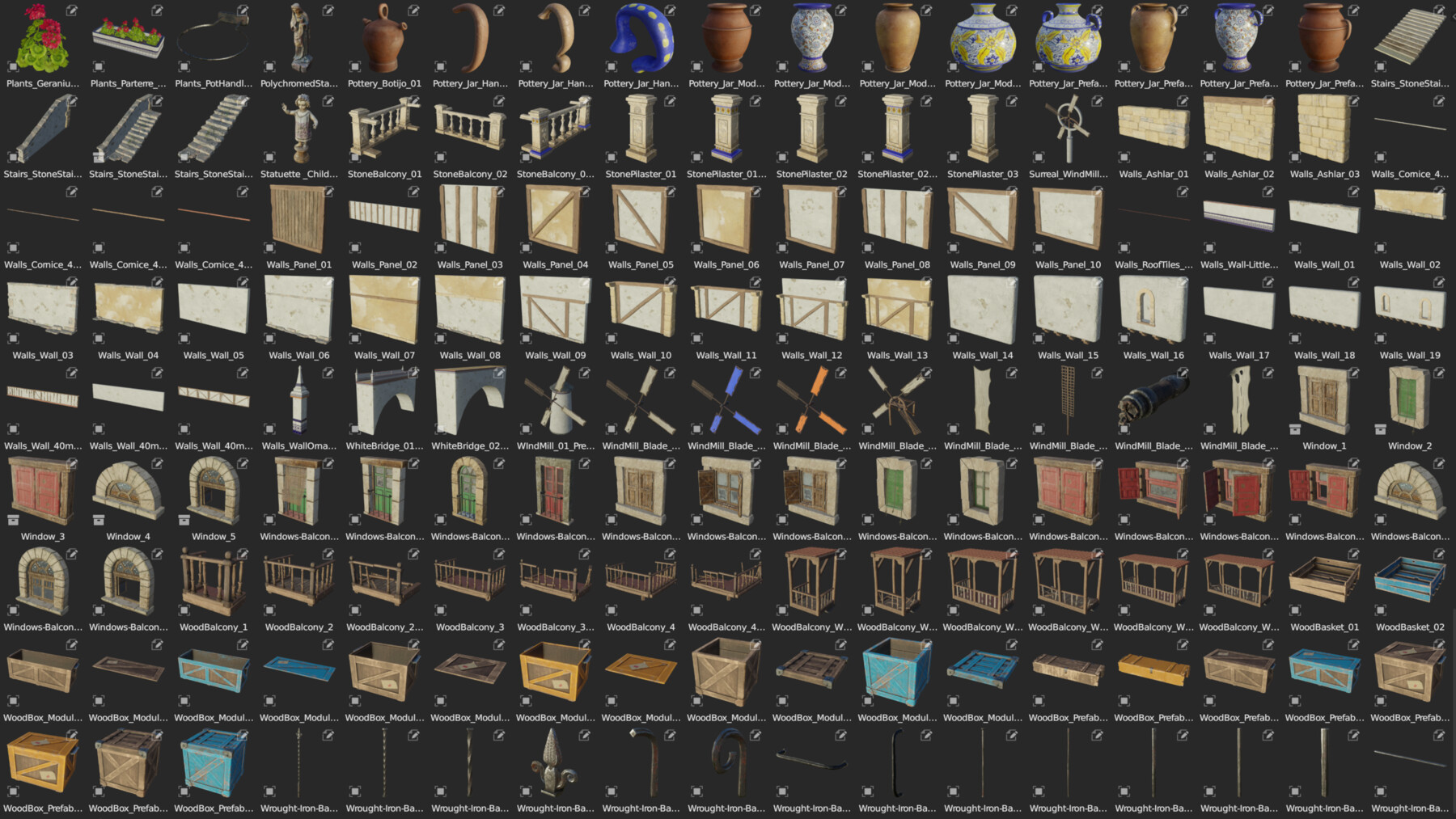
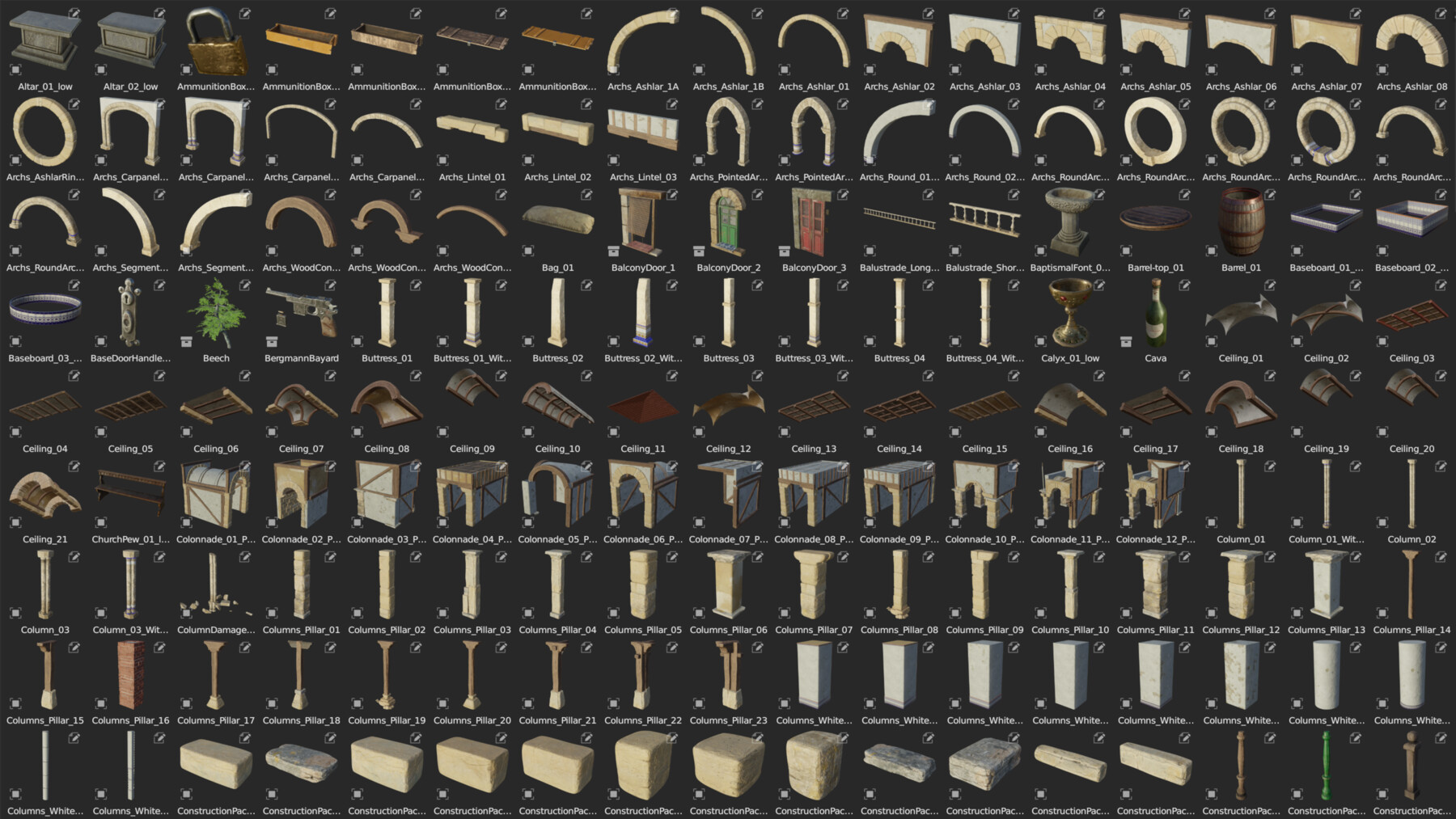
- More than 650 3d models
- Cycles & Eevee compatible
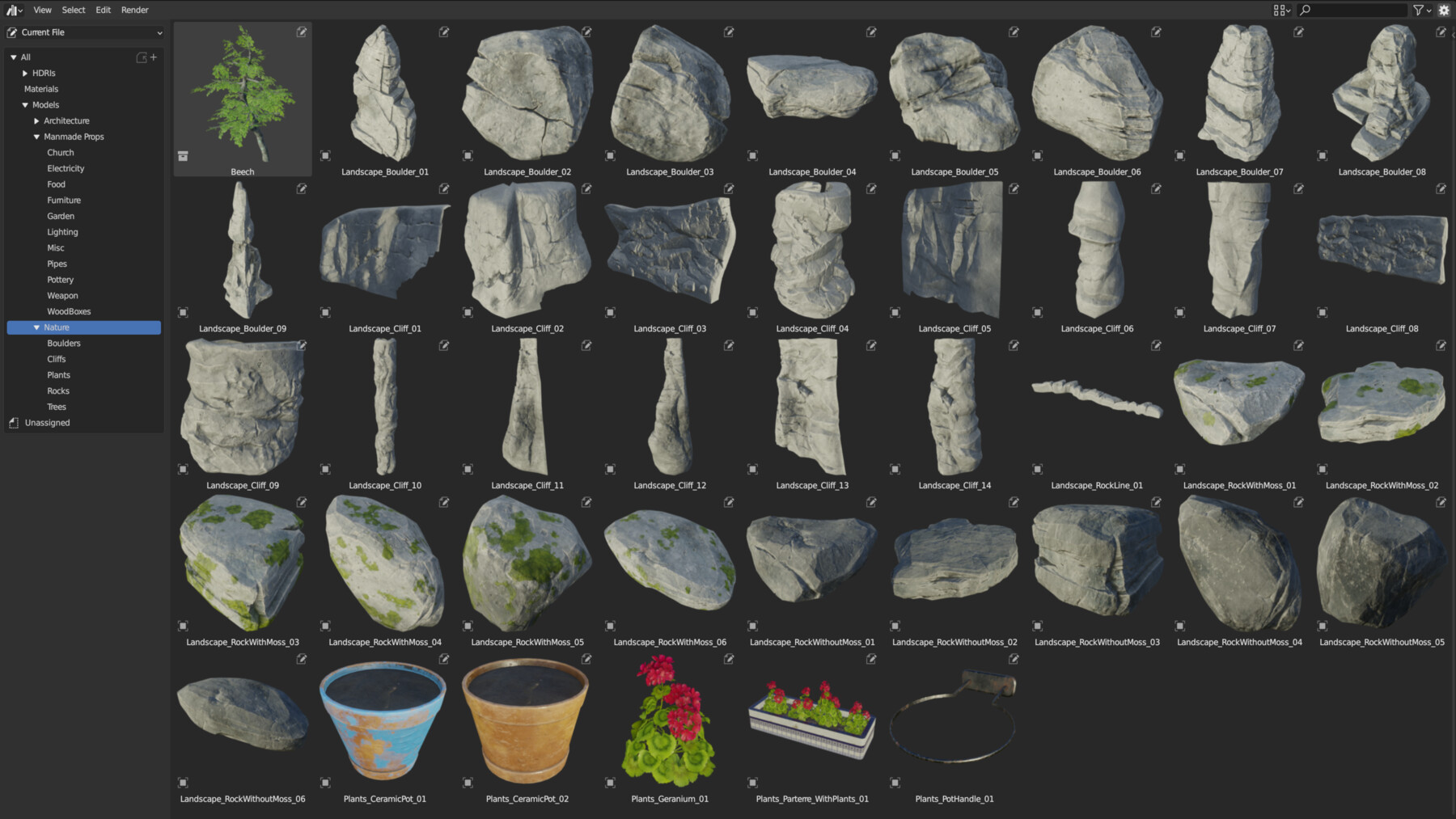
- Blender´s Asset Browser compatible
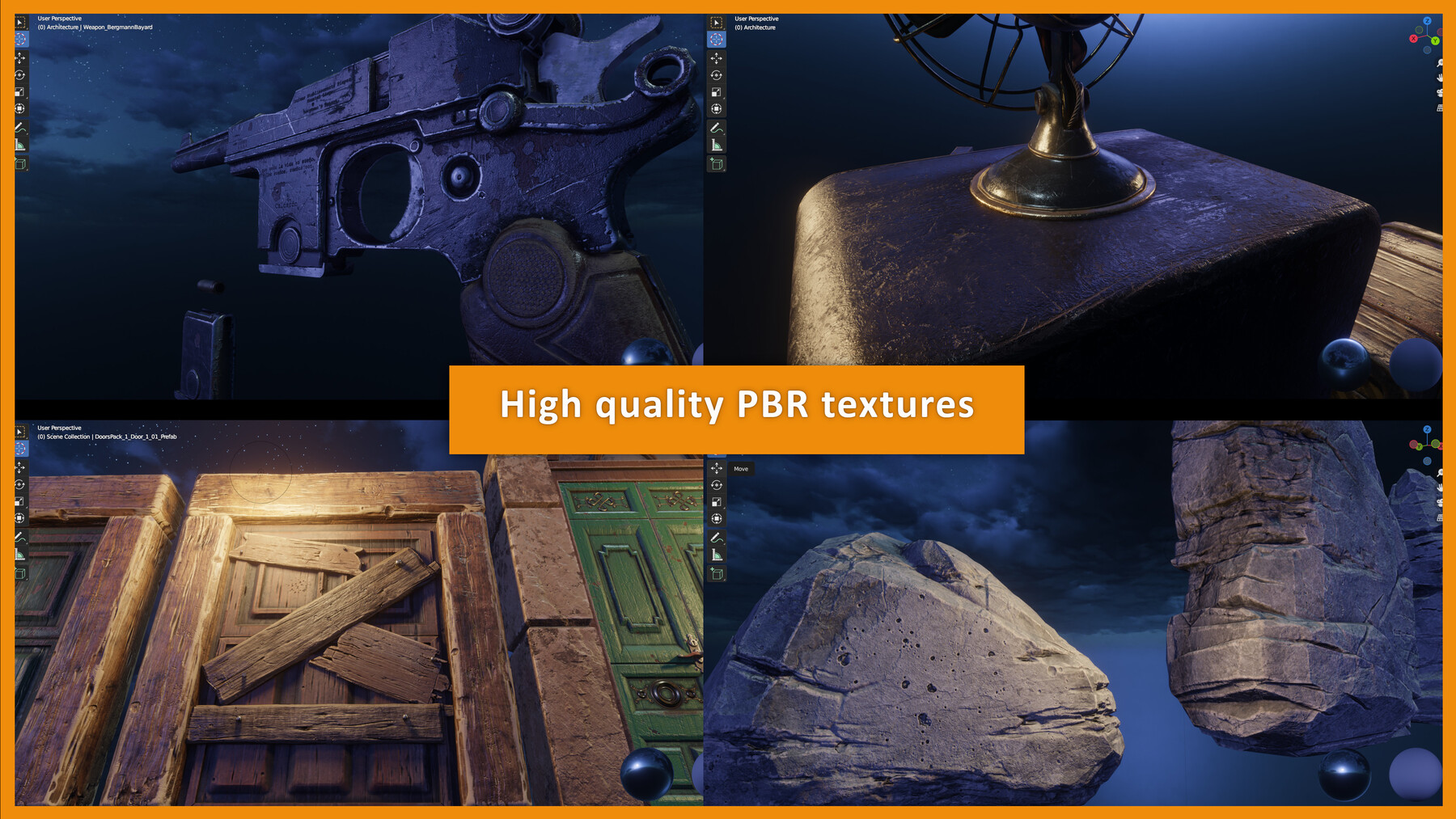
- PBR Textures
- 4k & 8k Textures made ins Substance Painter
- Kitbash
- Game-ready
- Lightmap UV Channel
- Demo Scene Included
- 2 Hdris
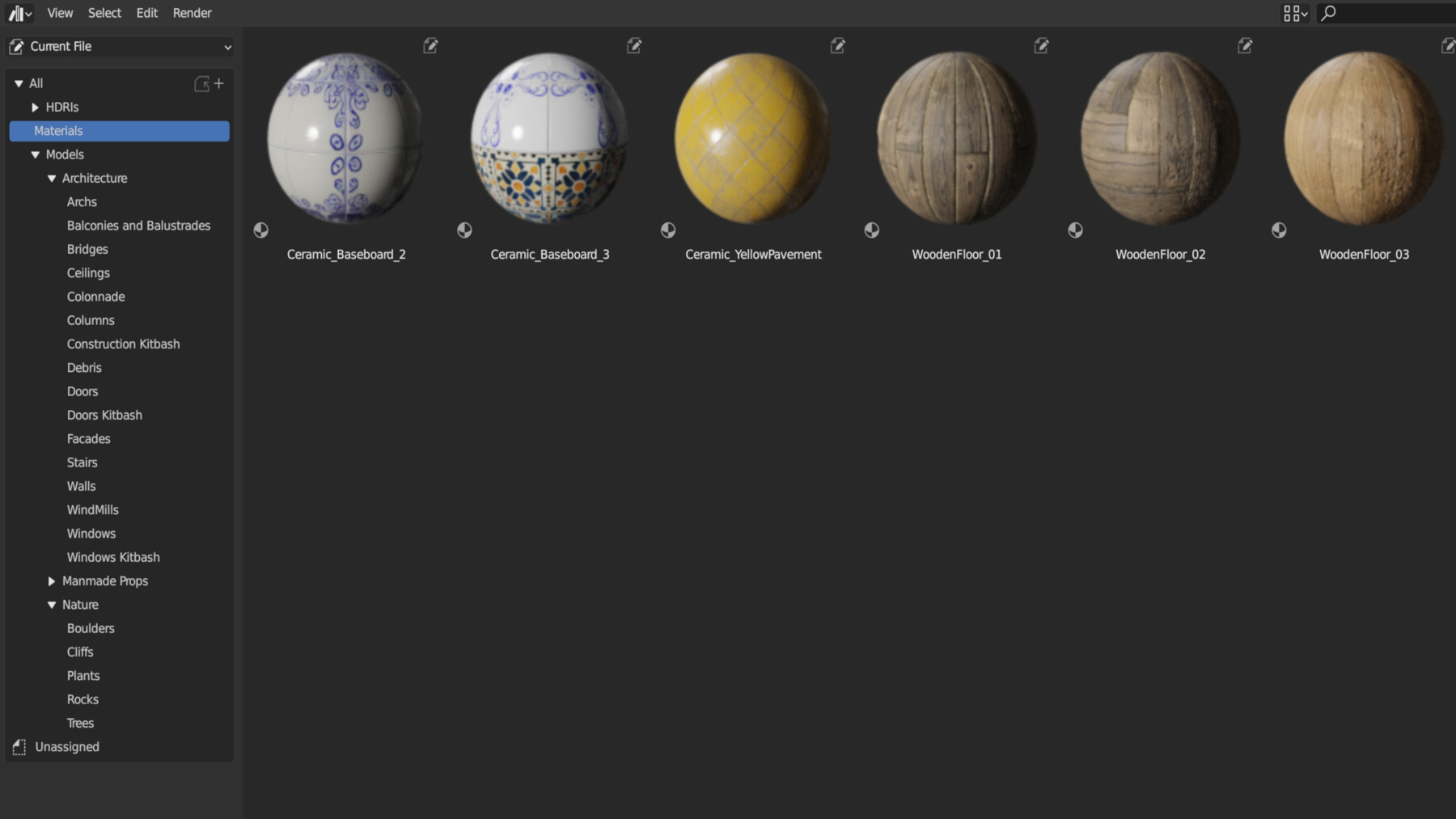
- 6 seamless Materials
This 3D library is ideal for building old villages in southern European style.
The pack includes my work from almost the last two years, so a consistent style and workflow is guaranteed. The 3D models have been conceived for the use in video game-level design. So the level of polygonization, correct UV unwrapping and packaging is ensured.
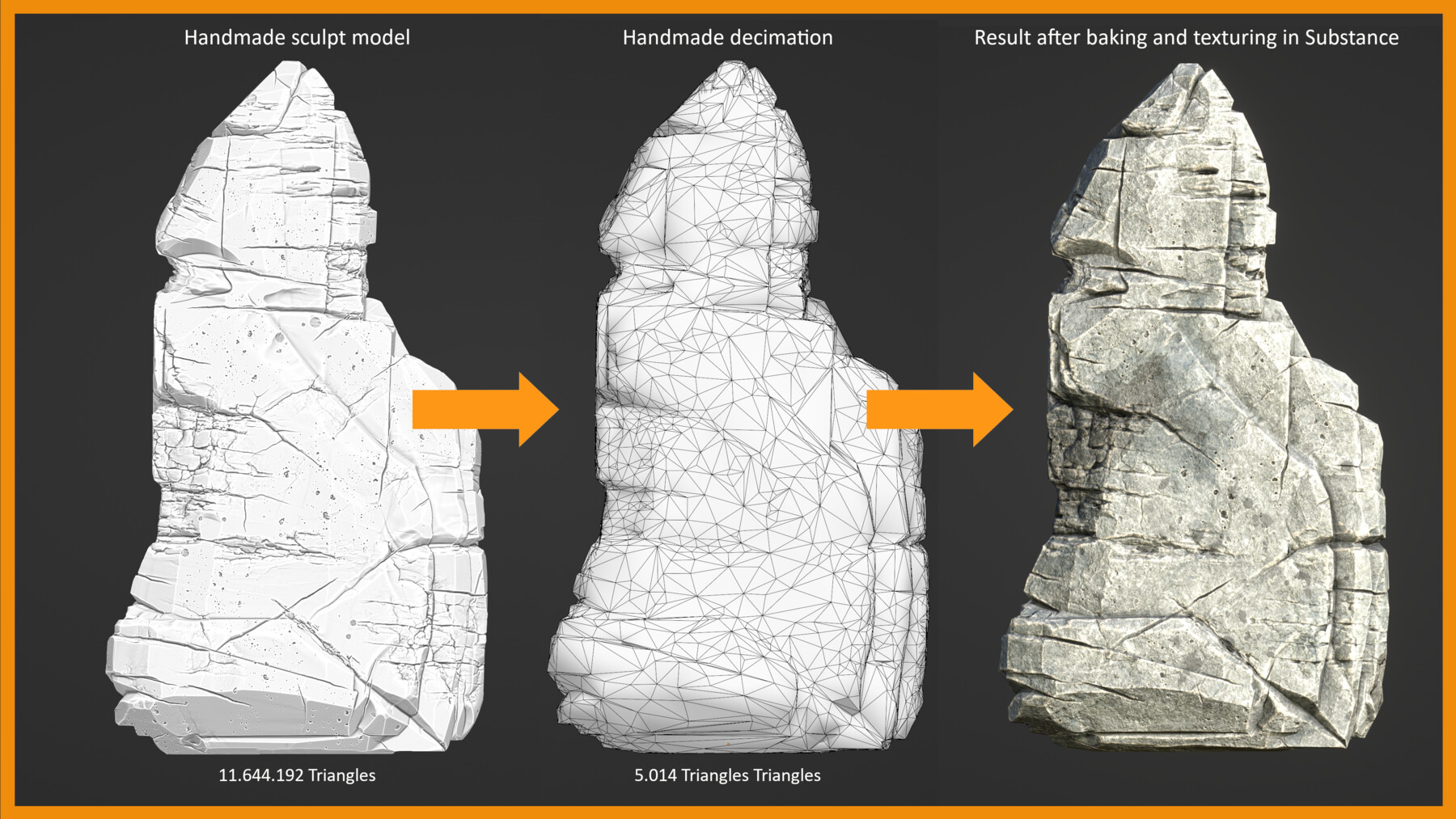
Most objects have been created by sculpting meshes with millions of polygons to be then retopologized into a low poly model. Afterwards, in the texturing process, all the details of the high poly model are baked into the low poly version. This is a widespread practice in the videogame industry, which gives our 3D model a lot of personality.
Although these 3D models were intended for the use in video games, they work extraordinarily well for concept art, animation, design, etc. You can use these assets to create gloomy or horror scenes, as well as to build friendlier and warmer environments. And of course, you can use them for commercial purposes either in movies, commercials, video games or whatever you want. The only thing you cannot do is resell or redistribute this pack or any part of it.
Make your own village, your own prefabs
This pack works as a kitbash for architecture creation. You can combine the objects together to create clusters and more complex structures with hundreds of possibilities and variations. You don't have to worry about joining (Ctrl J) the models together as they all keep the same naming in the UVs. They also have the "Custom Split Normals Data" applied.
How to install
Due to the high resolutions of the textures, this pack is 23.6 GB big. Please take this into account when choosing a directory on your computer. This pack is divided in 5 zip files. To unzip them Irecommend to use 7 Zip. Just download all the zip files and then select the file ending in ".zip.001" and unzip it in the desired directory. This will unzip the whole pack. Then you just have to link the library in blender as you would with any other library (Edit>Preferences>File Paths>Asset Libraries).
If you wish you can also check our "How to install" video where we explain step by step how to install this library:
CATEGORIES
Standard Use License. Full library (Individual license)
USD $29.99
License: Standard License
Stock Assets
For personal use and one commercial project (up to 2,000 sales or 20,000 views).
TutorialsOne copy to be used by a single user.
Installable ToolsOne installation by a single user.
Learn More100% of the assets + Future Updates, for freelancers and individual use Read MoreRead Less
Files (5)
Extended Use License. Full library (studio, 1-5 seats)
USD $56.99
License: Extended Commercial License
Stock Assets
For use on an unlimited number of commercial projects with no limits on sales or views.
Learn More100% of the assets + Future Updates, for studios with 1-5 seats Read MoreRead Less
Files (5)
Extended Use License. Full library (studio, 6-10 seats)
USD $99.99
License: Extended Commercial License
Stock Assets
For use on an unlimited number of commercial projects with no limits on sales or views.
Learn More100% of the assets + Future Updates, for studios with 6-10 seats Read MoreRead Less
Files (5)
https://artstn.co/m/vorzK
Copied
Ratings & Reviews
Sort by:LikesDate
Reviews (2)
 BBiyagi
00Report| Release v.1.0 | Standard Use License. Full library (Individual license) | about 1 year ago
Great and diverse asset pack. Original design is good. However, even the smallest things have 8k textures and the textures are over-optimized so that even a 4070ti can't handle it.
 Yurthoz
00Report| Release v.1.0 | Standard Use License. Full library (Individual license) | over 1 year ago
One thing to keep in mind, the way the files have been zipped is wrong and you gotta erase the second .zip in the name or else you will not see any folder/file inside. Other than that it's a great product.
Filter by Rating
Add a tip for Lucas Donderis
Tips are appreciated, but optional!