Sign Up with Epic Games

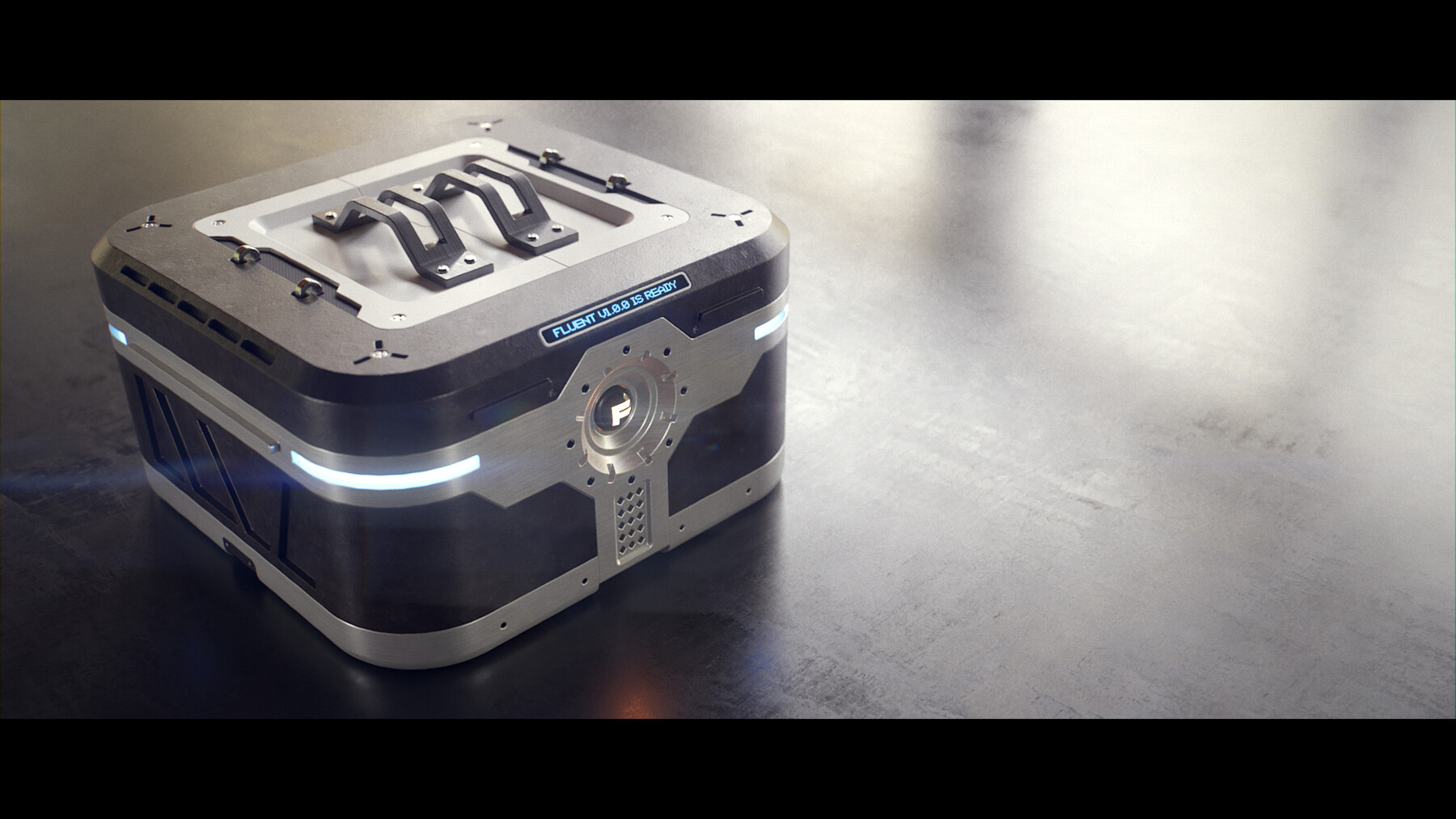




Fluent is a non destructive modeling add-on for hard surface modeling in Blender.
For Blender 4.2 and above.
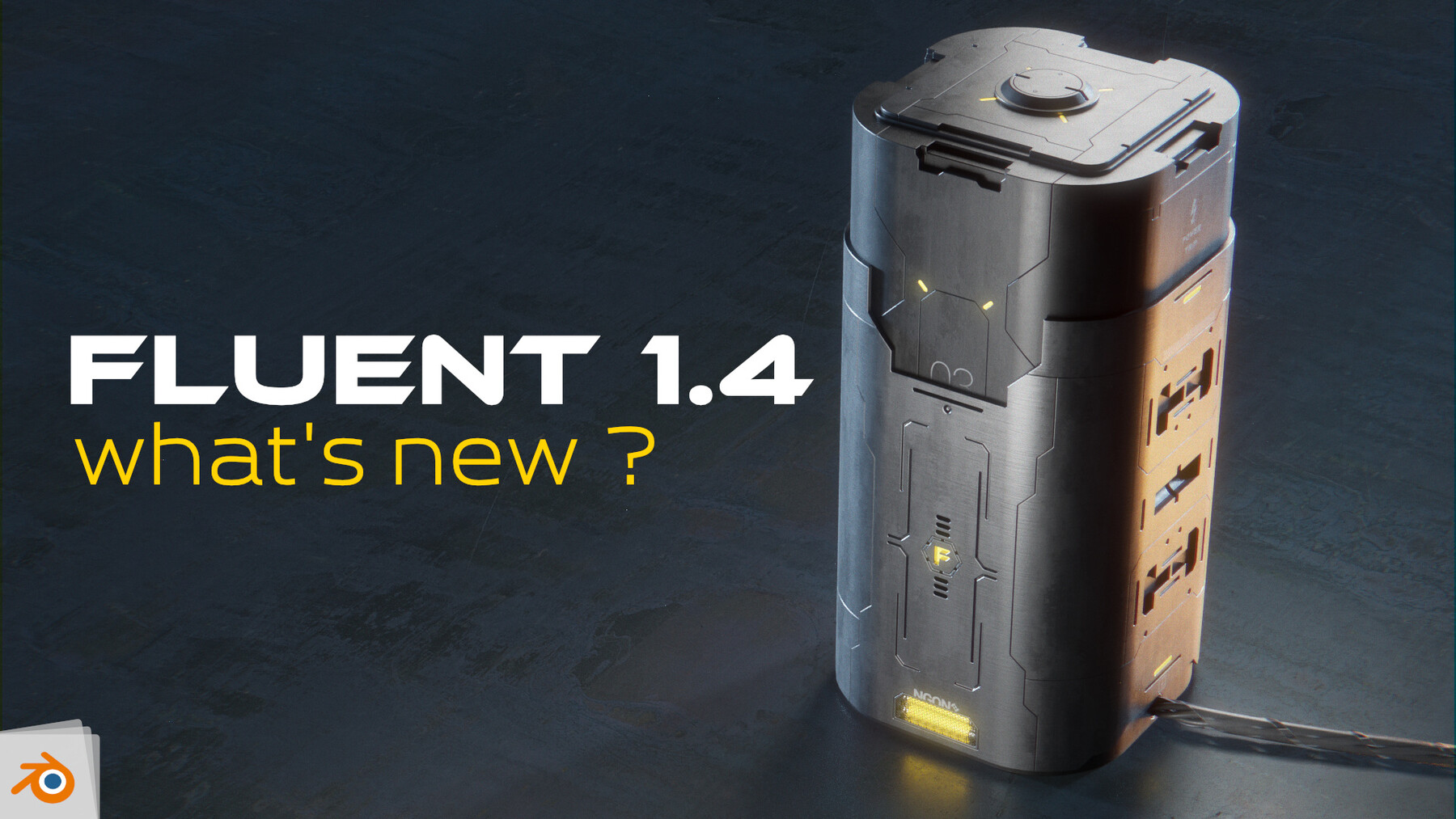
The last update teaser
Check the previous teasers to learn more about Fluent and his evolution
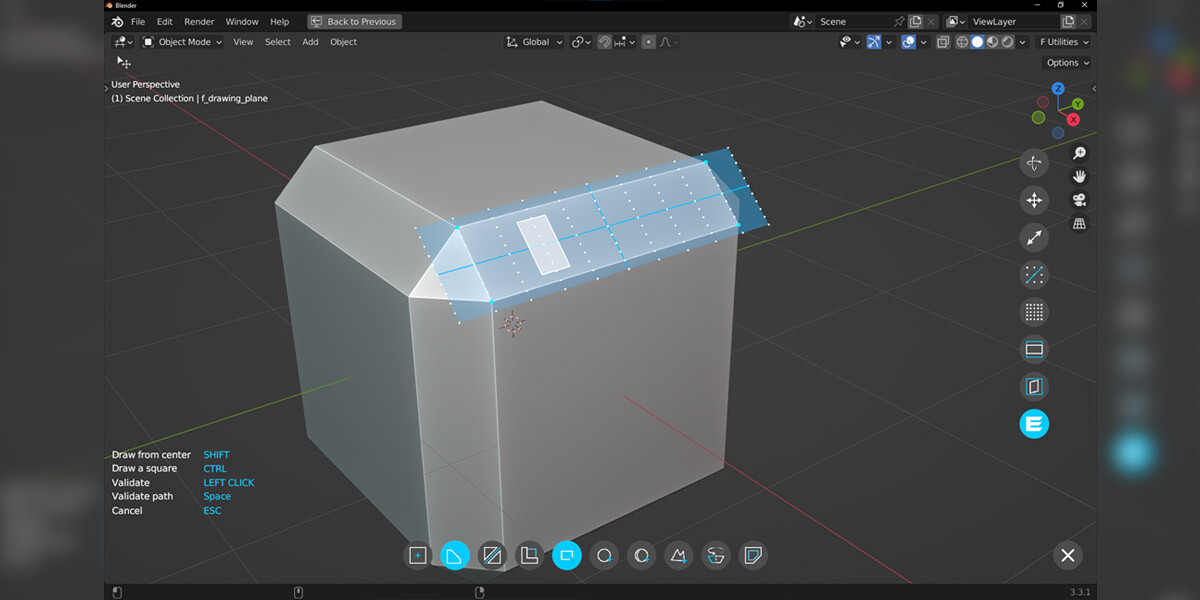
Drawing
- Rectangle/Square from corner/center.
- Circle.
- Random shape.
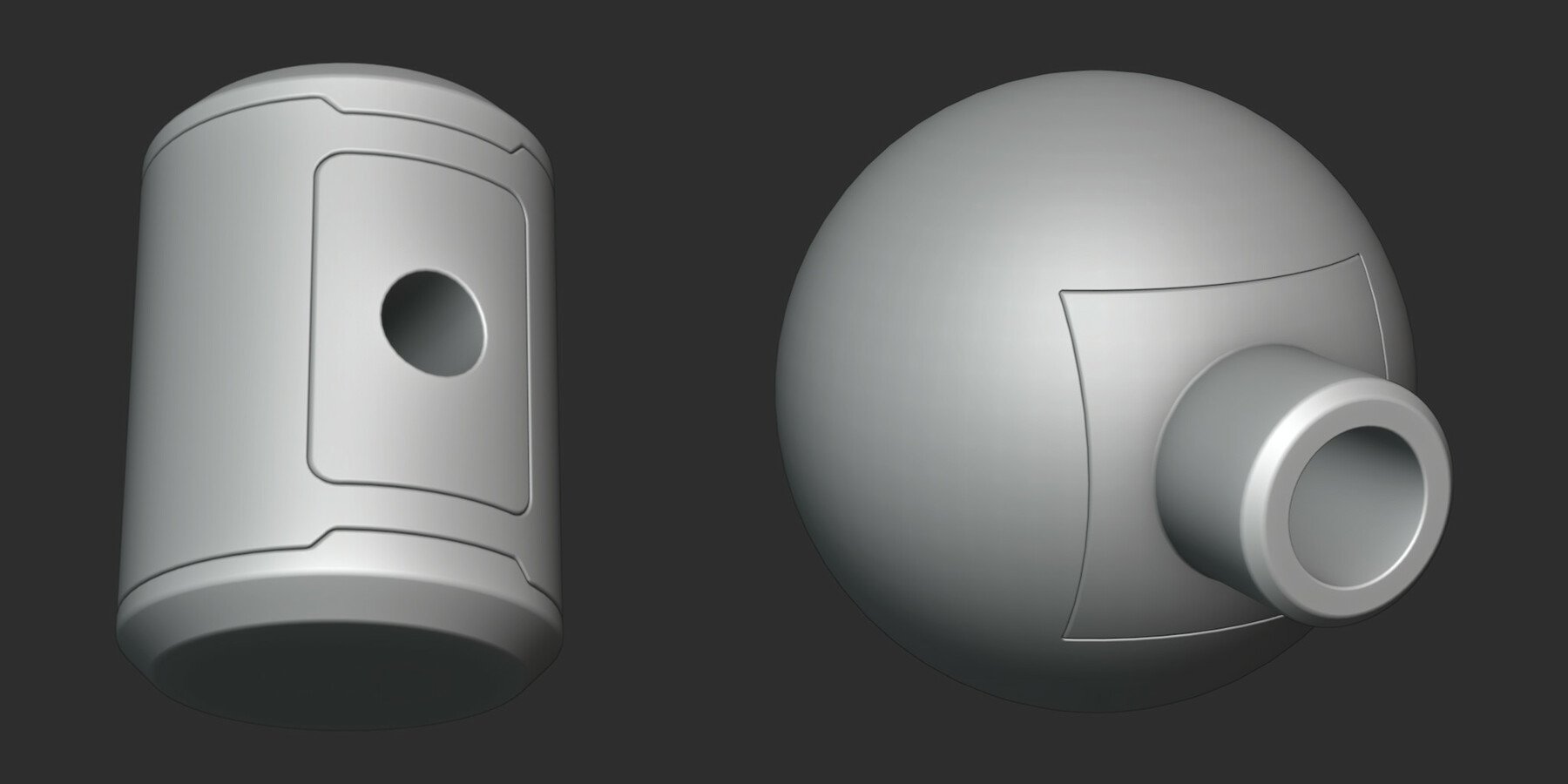
- Solid of revolution.
- Every face of the model are drawing plans.
Non destructive workflow
It's simple : EDIT EVERYTHING AT ANY TIME
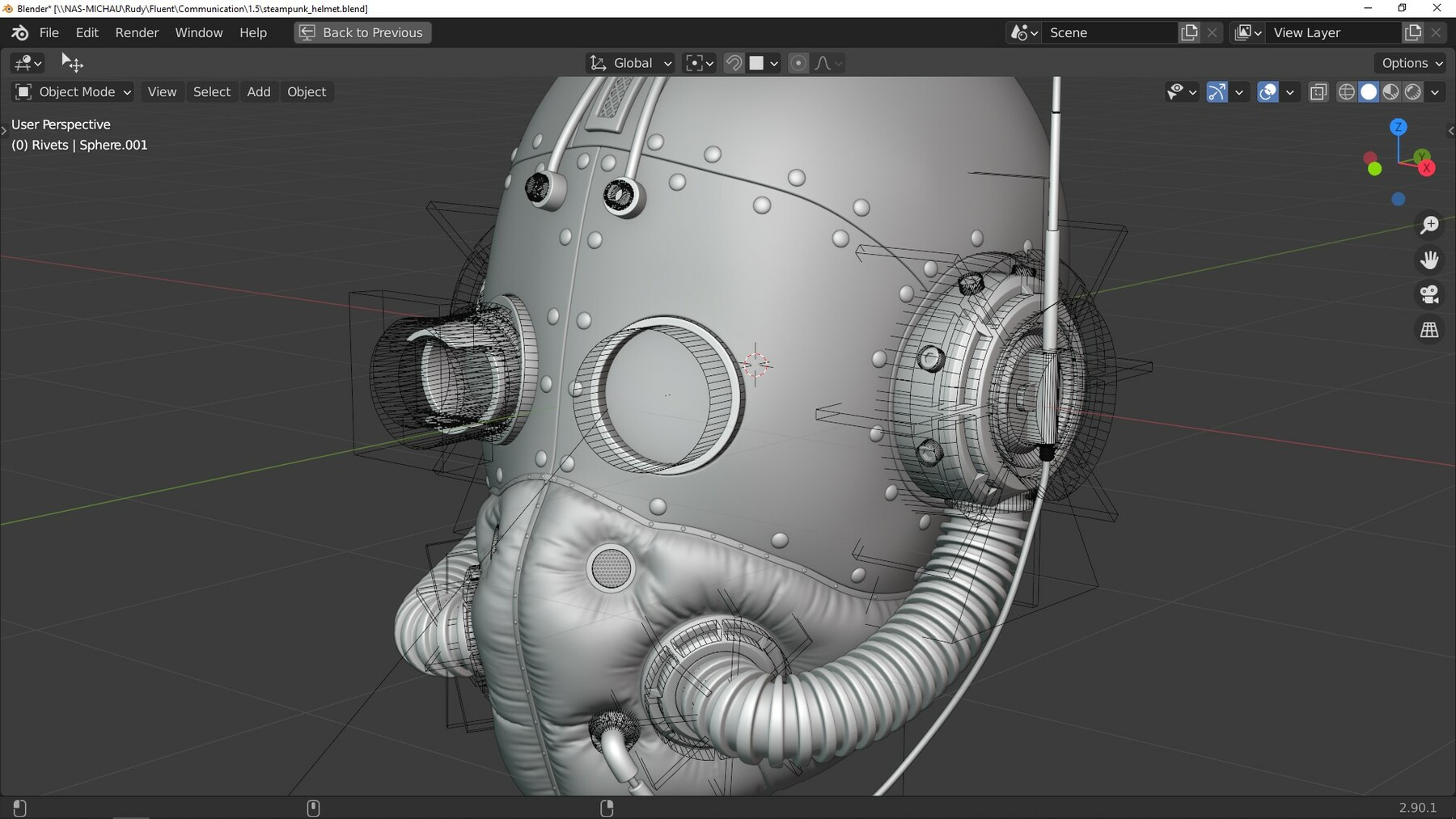
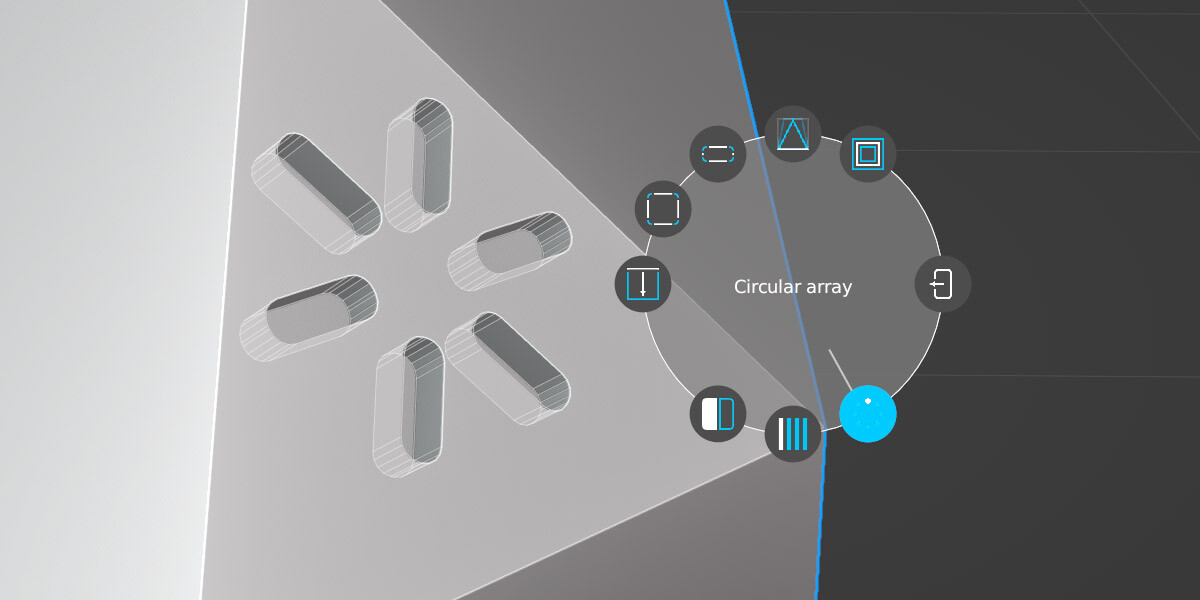
Circular array, symetrize, inset, linear array, mirror...
3 level of bevels and 2 level of solidify.
Smart tool box to manage whole the model in one click
- Duplicate tool.
- Boolean synchronization, to spread the adjustment to every duplicated object.
- Global bevel factor, to increase/decrease each bevel of the model.
- Bevel resolution, one click to adjust the bevel segments of everything.
- Auto-boolean support making, to fix classic boolean error.
- Auto-complete, to apply modifiers and get a freezed mesh.
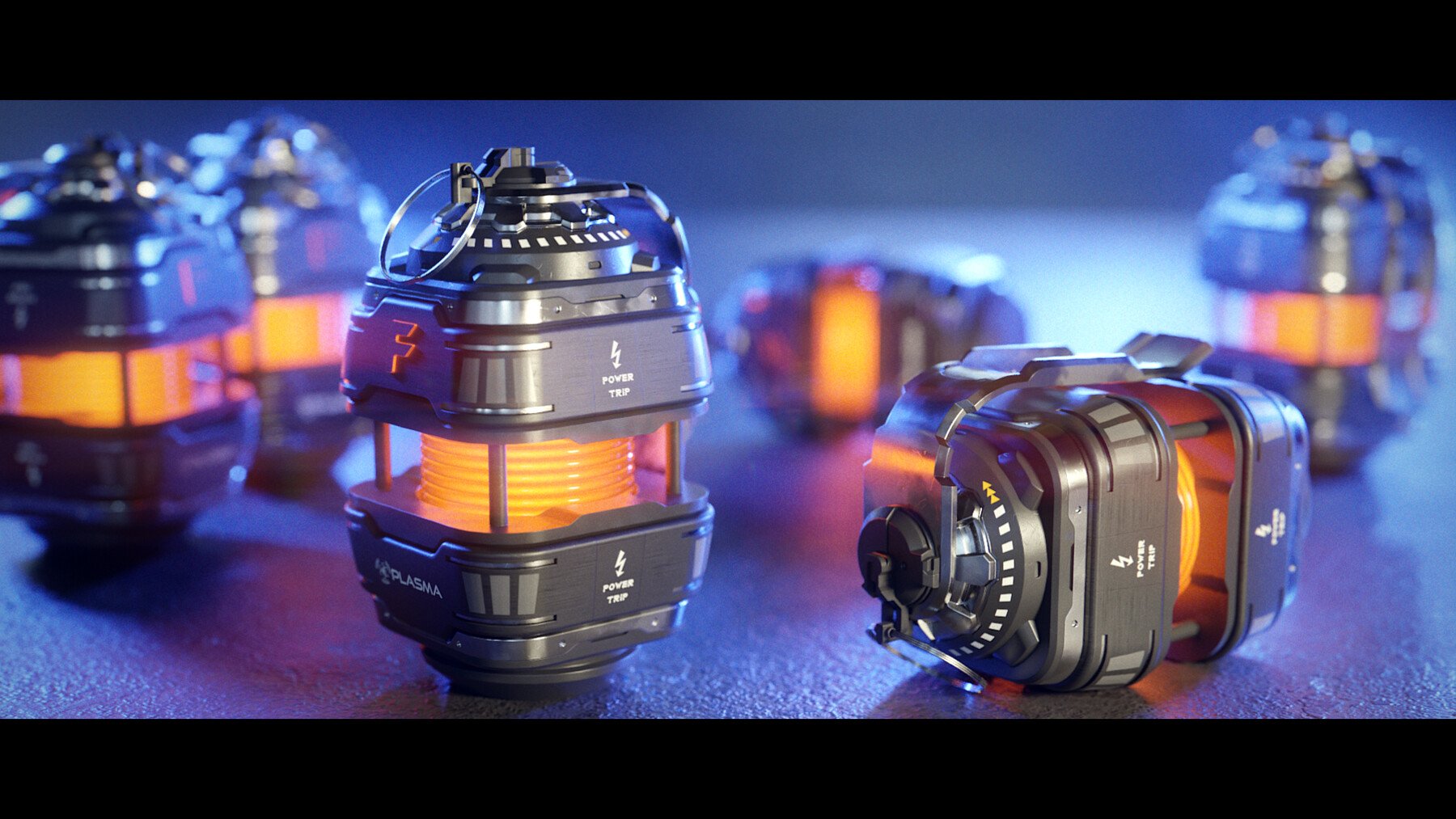
Model incredibly detailed models with the Power Trip version
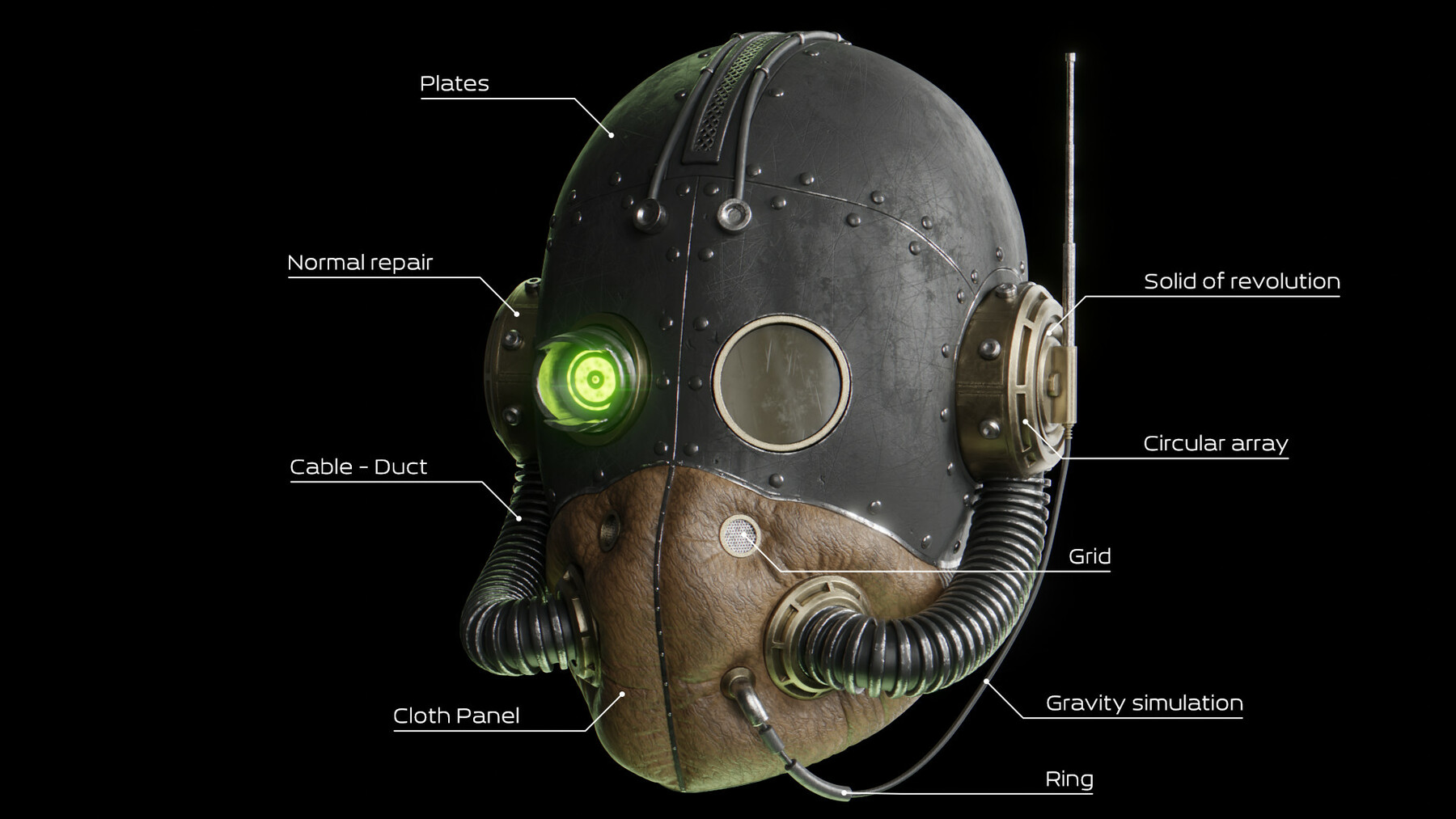
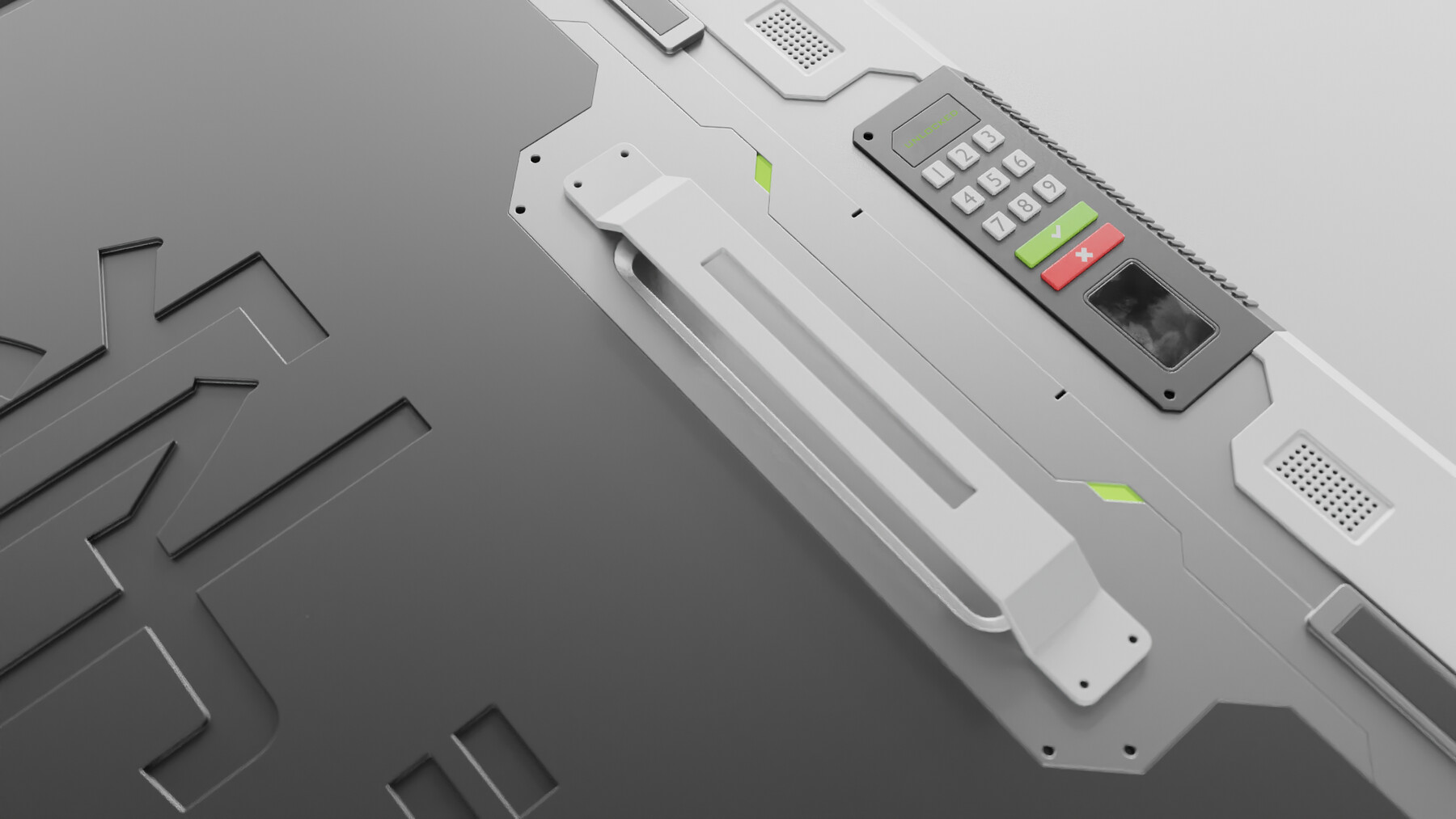
- Add plates.
- Place pipes between two faces with 2 clicks.
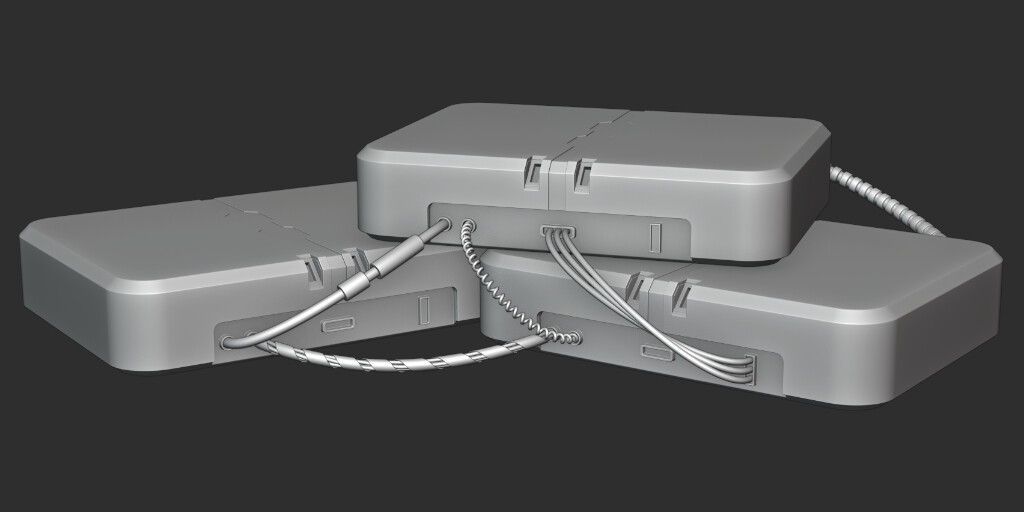
- Place wires between two faces. Wiht only 2 clicks, 6 models.
- Add grids in any holes cutted with Fluent. 14 models of grids.
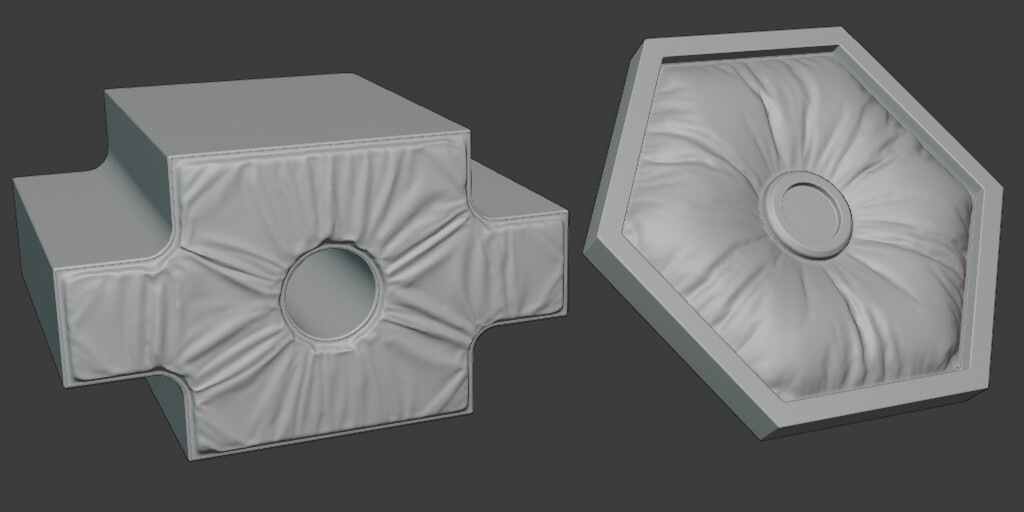
- Add fabric panels with only 2 clicks on all faces.
- Automatic positionning of screw head.
User-friendly
A slick interface with a simple menu. It's all you need.
Accurate drawing
Fluent's snapping grid and precision tools allow you to aim perfectly at any section of a polygon or edge. Fluent is the ideal solution for advanced hard surface work. Guaranteed to bullseye womp rats at a thousand yards.
Completely Non-destructive
If you're knee-deep in details and after 30 hours you want to change something, don't worry. No, you don't have to cry. Fluent is completely non-destructive! It's all modifiers, baby! Feel free to go back and adjust any parameter as you bring your idea to life.
Get Fast. Real Fast
As you become more fluent in Fluent, you will start using its handy hotkeys. With a bit of time and practice, you'll get so fast that your friends will think you're a Jedi in a Power Ranger outfit going Super Saiyan.
Zero Learning Curve
You can start by diving in and exploring the tool directly. You're guaranteed to start figuring things out in just a few minutes, even without a tutorial. When you want to go deeper and see what other secrets Fluent has in store, go to our dedicated YouTube channel for detailed documentation and step-by-step tutorials.
Testimonials by Professionals
I like Fluent because it's useful for just about everything. Its versatility is tremendous.
Fluent isn’t strictly tied to scifi work, nor is it cornered into high-poly render models. I've used Fluent to create low-poly props as well, ranging from robot arms to structures like stone temples and shrines. Its boolean system is perfectly suited to creating complex designs for any purpose, even in ultra low-poly props & models.
Fluent is the ultimate cutting tool and was designed to modify truly complex geometry. The tool has a great deal of precision when it comes to the arcane angles of 3D space. If I need to cut into an archway or a circular doorframe, the treads of a tire, or even to cut out the pattern on the bottom of a shoe… that’s what Fluent is perfect for. You’ll find yourself using it on a daily basis, almost as frequently as the extrude command.
I like to combine Fluent with Zremesher 3.0. It’s the ultimate weapon for fast and detailed high-poly props. Try it out!
Allen Grippin, artist in the gaming world.
Release Notes
Dear CG Thinkers,
The first version for Blender 5. The add-on contains a lot of features, and I'm sure I forgot some during testing. Please notify me of any bugs so I can fix them for everyone. Thank you.
Fluent 4.3.0 is already in pipe with a new exiting feature : realtime normal repair ! Stay tuned :)
Best regards,
Rudy
CATEGORIES
Fluent - Power Trip
USD $29.90
License: Standard License
Stock Assets
For personal use and one commercial project (up to 2,000 sales or 20,000 views).
TutorialsOne copy to be used by a single user.
Installable ToolsOne installation by a single user.
Learn MoreFluent + plate, wire, pipe, grid, the cloth panel tools and screw head scattering Read MoreRead Less
Files (2)
Fluent - Basic version
USD $20.00
License: Standard License
Stock Assets
For personal use and one commercial project (up to 2,000 sales or 20,000 views).
TutorialsOne copy to be used by a single user.
Installable ToolsOne installation by a single user.
Learn MoreThe most accurate cutter add-on without plate, wire, pipe, grid and cloth panel tools Read MoreRead Less
Files (2)
https://artstn.co/m/5Gwd
Copied
Ratings & Reviews
Sort by:LikesDate
Reviews (10)
 Tikhomir Dobrovoltsev
00Report| Release v.3.0.0 | Fluent - Power Trip | over 2 years ago
a very good addon, easy to work with. fluent is power!
 ChinaBusinessPro
00Report| Release v.3.0.0 | Fluent - Power Trip | about 4 years ago
According to my experience it's Just the best!
 imaginieur
00Report| Release v.3.0.0 | Fluent - Power Trip | over 4 years ago
Thanks, for the update of the UX.
 Conor Beckett
00Report| Release v.3.0.0 | Fluent - Power Trip | over 4 years ago
Brand new to blender and coming from parametric CAD modelling as an engineer, this is a fantastic tool to get started with. All the basics you would need plus a lot of advanced time saving features. Would love to see splines or curves when drawing shapes, along with maybe some dimensional features in drawing shapes. I guess its early days for this great tool. Cant wait for more updates :)
 IF
IF00Report| Release v.3.0.0 | Fluent - Power Trip | over 4 years ago
Love it. Awesome workflow. Thanks for the continuous updates. :)
 Marcos Stickar
00Report| Release v.3.0.0 | Fluent - Power Trip | almost 5 years ago
Best Addon for Blender. 10/10
 あずみ
あずみ00Report| Release v.3.0.0 | Fluent - Power Trip | about 5 years ago
This is the best 3d modelling tool I have ever bought for Blender. It is worth every penny, even though this tool is very easy to use! There are also excellent tutorials from the developer that explain the finer points!
 Ximo
Ximo10Report| Release v.3.0.0 | Fluent - Power Trip | over 5 years ago
my workflow has improved a lot
 Kawakami Productions
00Report| Release v.3.0.0 | Fluent - Power Trip | over 5 years ago
My friend recommends this addon to me and shows me how fast does the modelling process become.
 N42
N4200Report| Release v.3.0.0 | Fluent - Power Trip | over 5 years ago
Apt name.
Filter by Rating
More by Rudy MICHAU
Add a tip for Rudy MICHAU
Tips are appreciated, but optional!