Sign Up with Epic Games
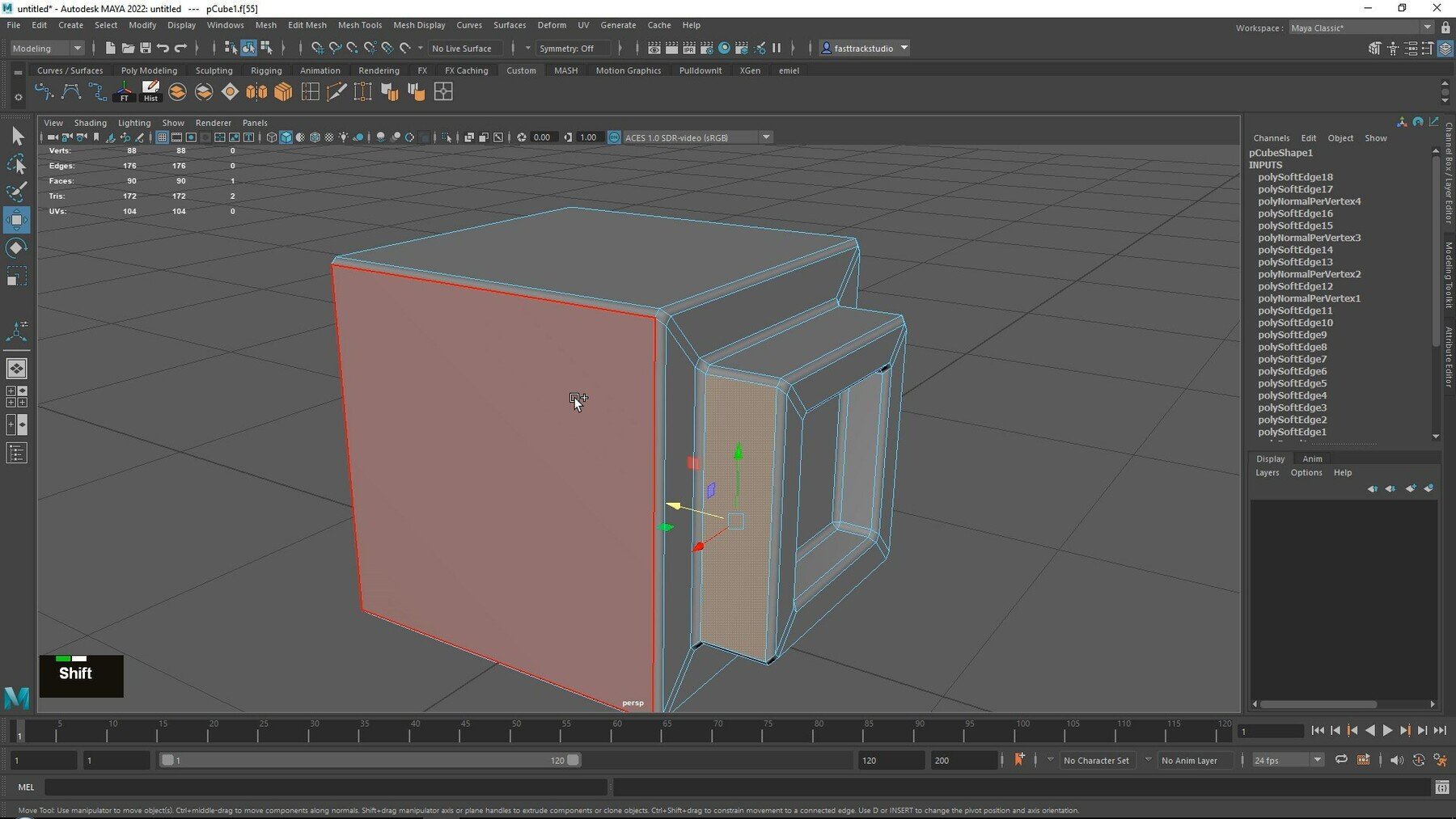
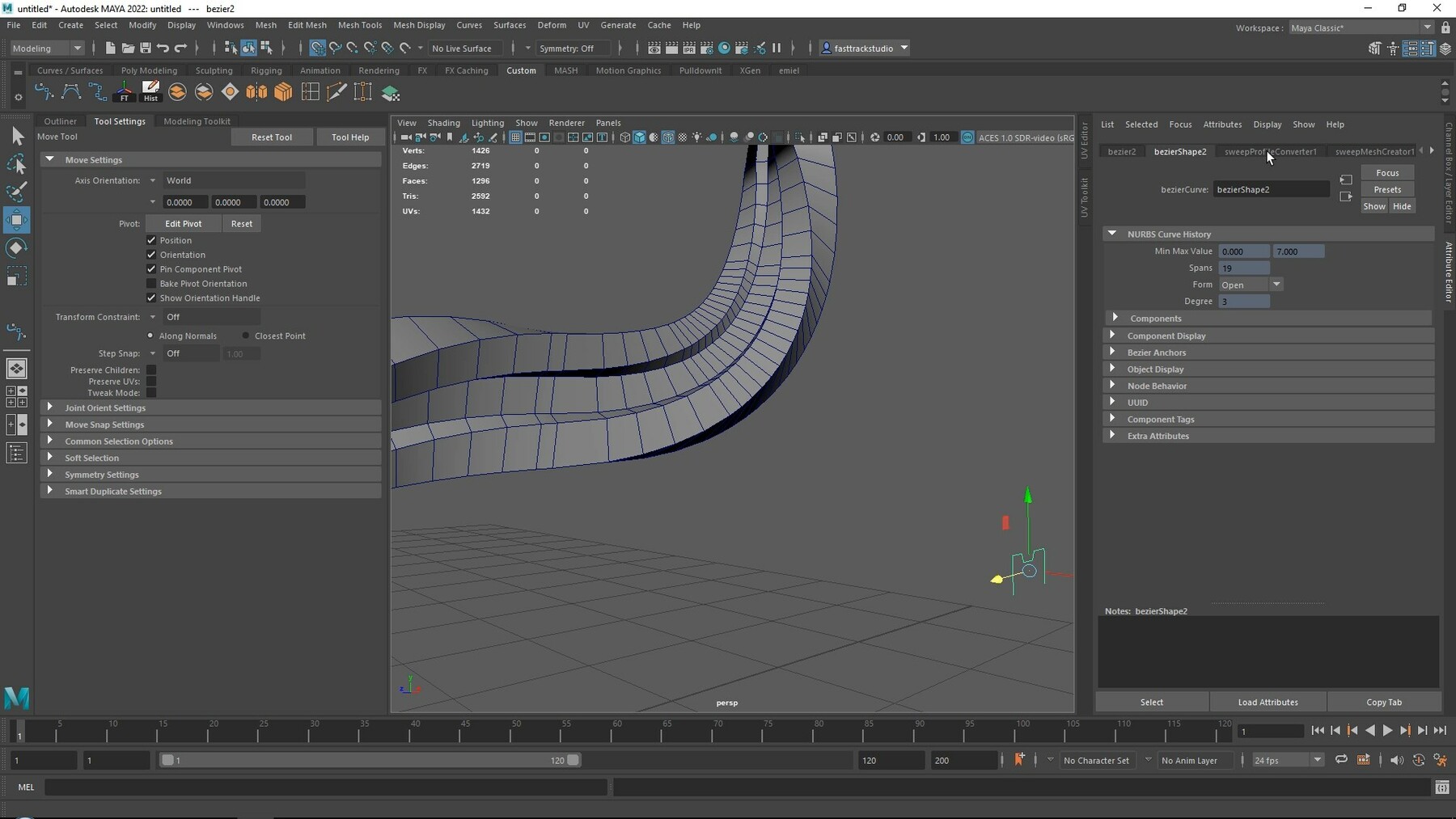
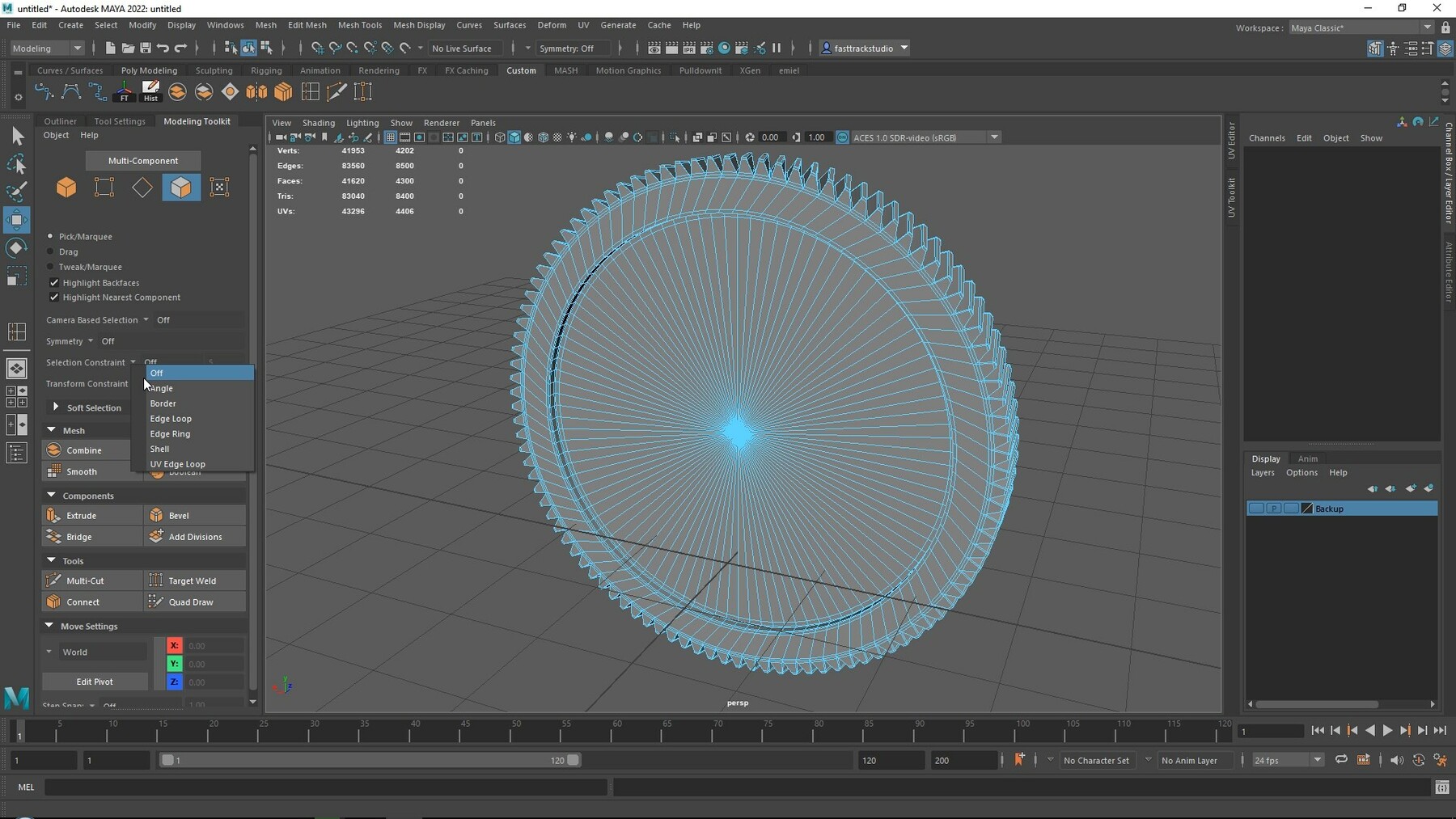
Switching to Maya for game artists
Learn how to quickly get started with using Maya when you already have basic experience in any other 3d modeling package like Blender or 3DS Max.
LEARN MAYA QUICKLY AND EFFICIENTLY
This course will be a bit different than most of our courses.
In this course, we will focus on how to switch to Maya for game artists from any other 3d software like blender or 3ds max.
Now the reason I say for game artists is because I will mostly be focused on the modeling and texturing side of Maya. This means we will not be covering things like animation, rendering, or simulations.
You can also use this course as an introduction course to Maya, however, please note that things might go a bit too fast for complete beginners who do not yet have any experience in 3D Modeling.
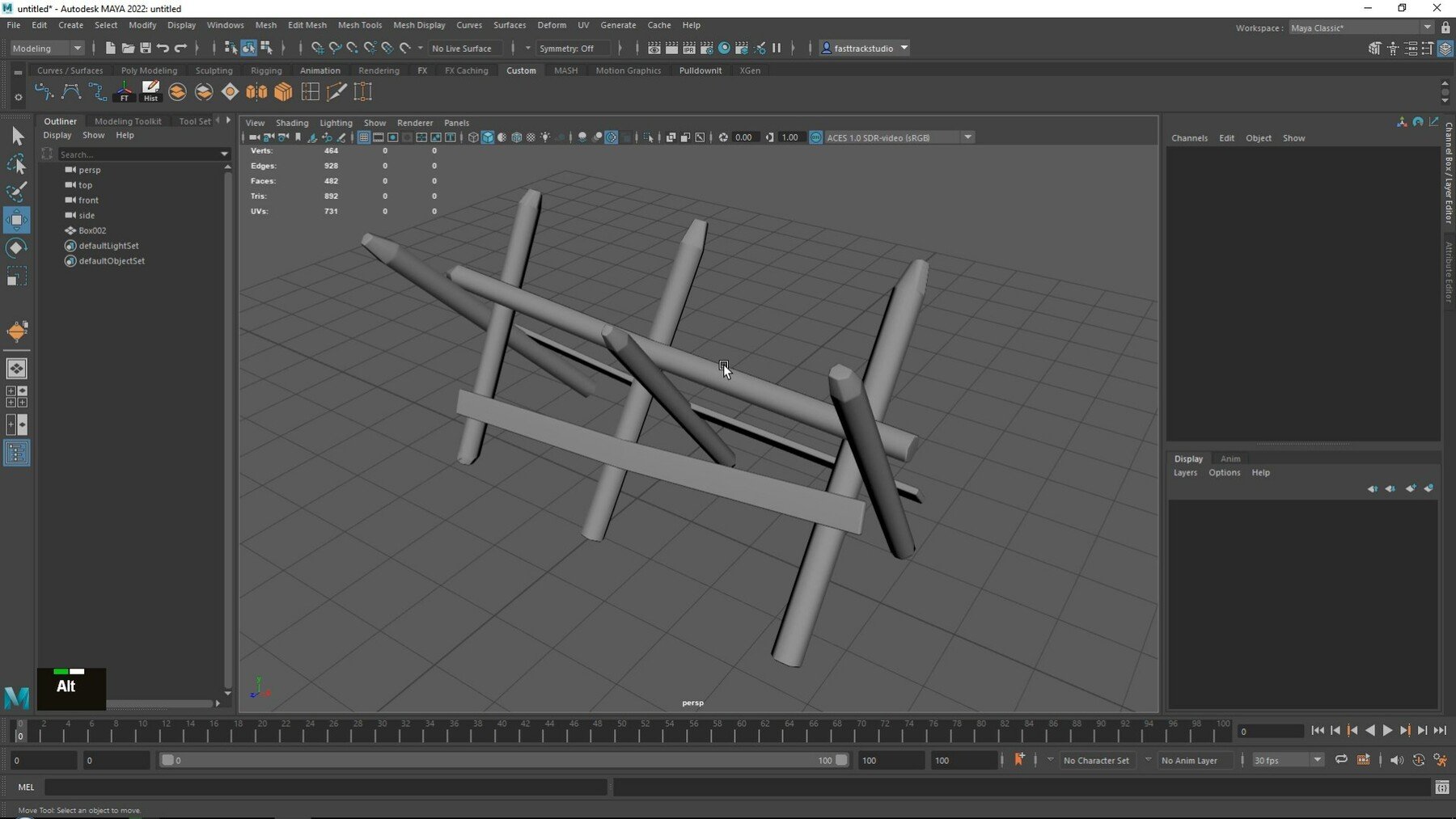
This tutorial comes in 2 parts, The first part will be a collection of short easy to understand chapters that will just cover individual tools. I consider this the learning part of the course.
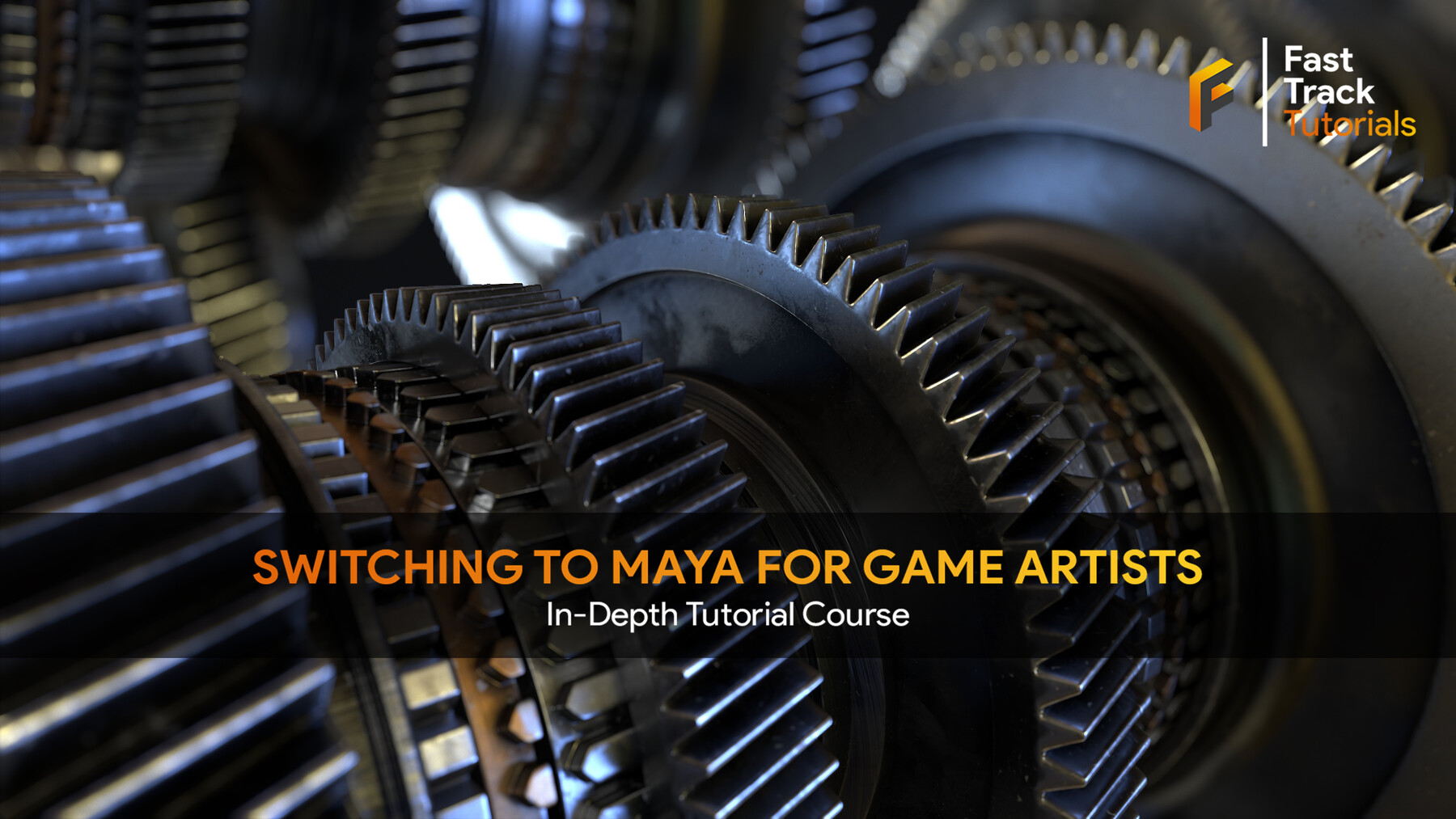
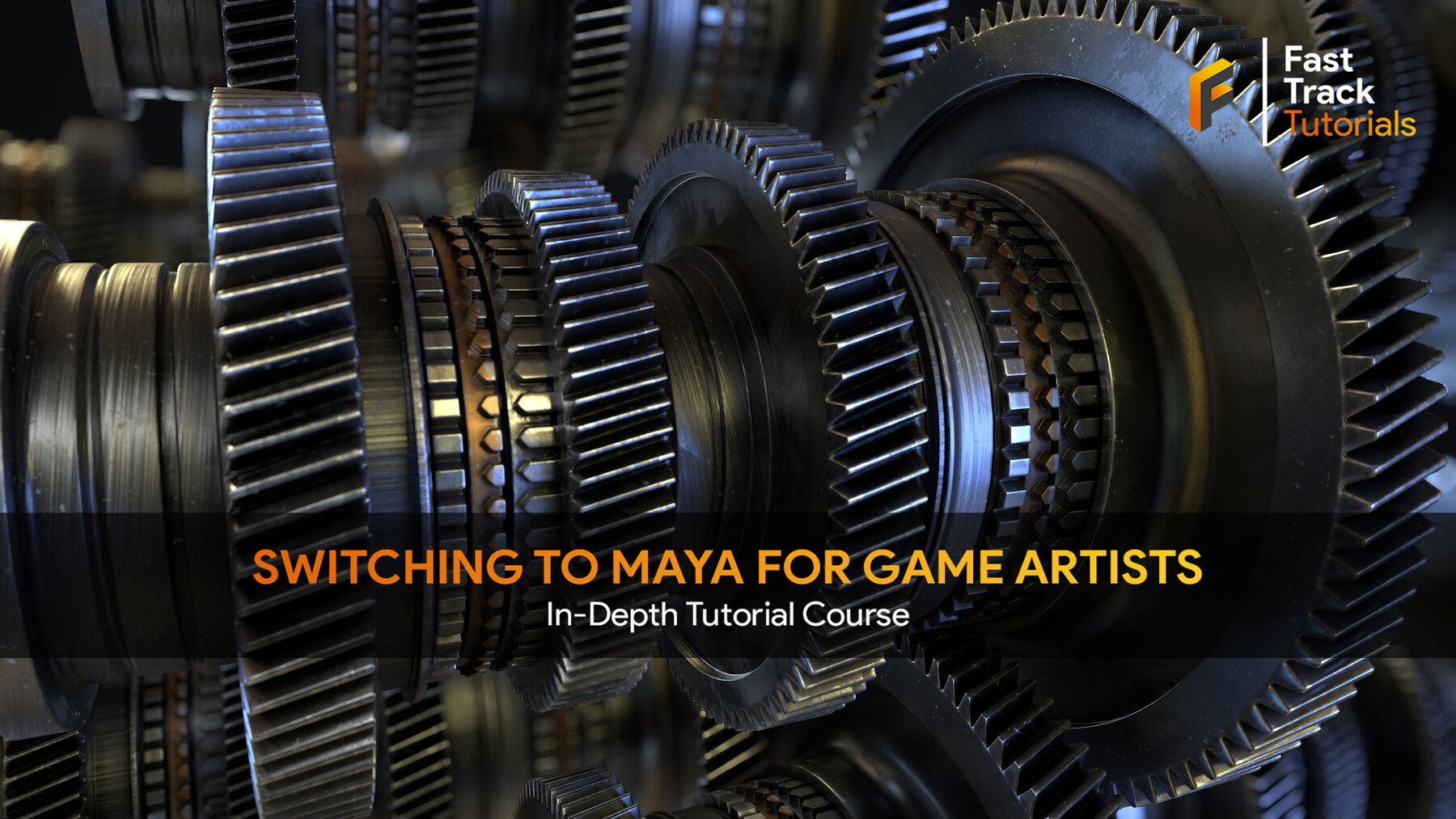
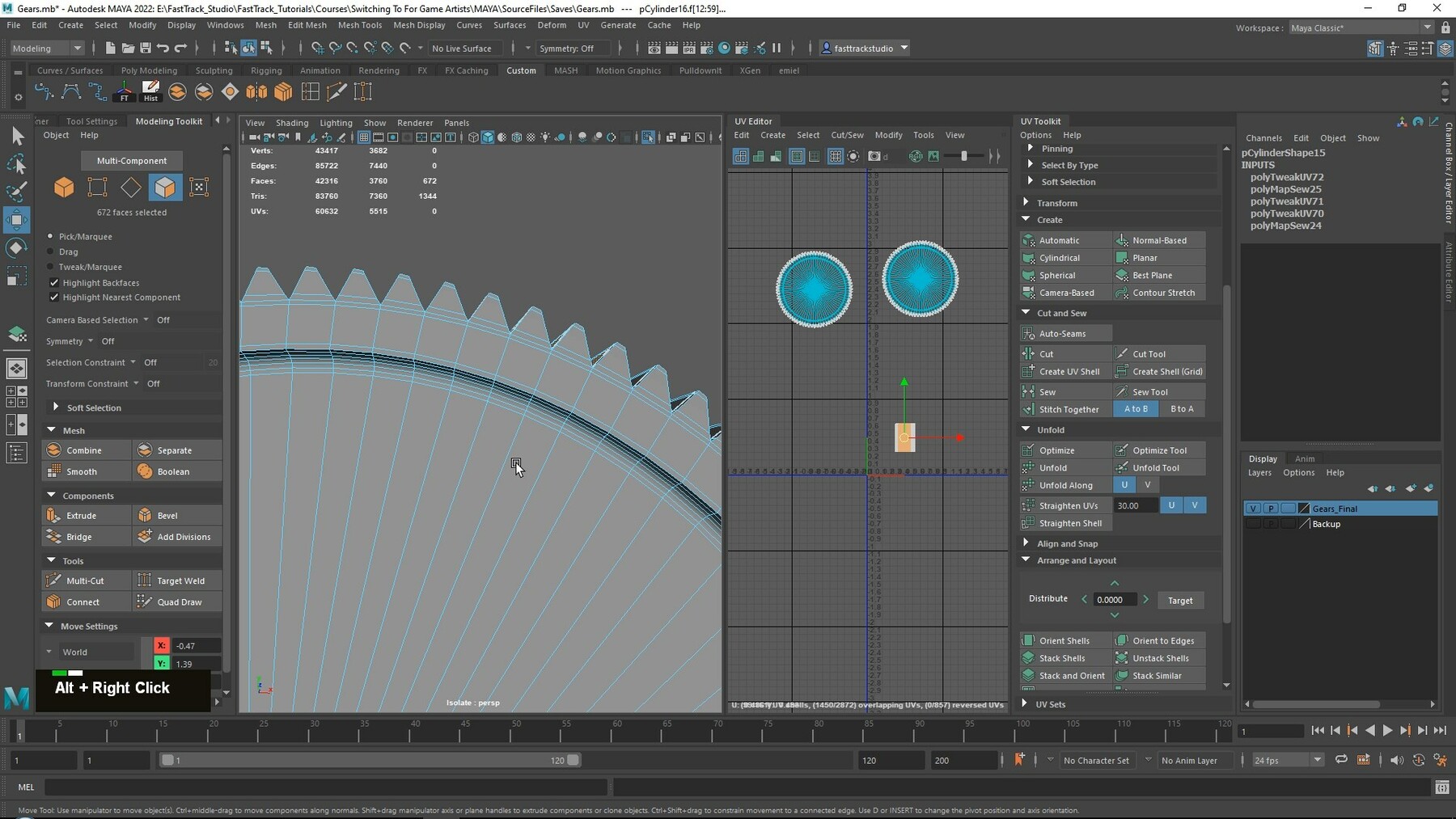
In the second part, we will take everything we have learned and combine it all together to create a quick model of some gears.
5.5 HOURS!
This course contains 5.5 hours of content – You can follow along with every single step – The course does enclose one small timelapse, this is just to speed up a very repetitive task, the rest is done in real-time. However, we have also included the time-lapsed footage in real-time without narration.
SKILL LEVEL
This game art tutorial is perfect for students who have some familiarity with a 3d Modeling tool like Blender or 3DS Max and want to learn Maya – Everything in this tutorial will be explained in detail.
TOOLS USED
- Maya 2022
YOUR INSTRUCTOR
Emiel Sleegers is a senior environment artist and owner of FastTrack Tutorials. He’s worked on games like The Division 2 + DLC at Ubisoft, Forza Horizon 3 at Playground Games, and as a Freelancer on multiple projects as an Environment Artist and Material Artist.
CHAPTER SORTING
There’s a total of 34 videos split into short easy-to-digest chapters.
All the videos will have logical naming and are numbered to make it easy to find exactly the ones you want to follow.
SUBTITLES
Subtitles are offered for this tutorial in English, Spanish, Russian, and Chinese.
Please note the subtitles are auto-generated and might not always be 100% accurate.
CHAPTER LIST
Part 1
- 01-Layout_Movement-Tools_Hotkeys
- 02-Exporting_and_Importing
- 03-Viewport Settings
- 04-Primitive Shapes
- 05-Shelves
- 06-Copy_Instance_and_Array
- 07-Snapping and Changing Pivots
- 08-Freeze your transforms and resolve bugs
- 09-Isolating and Hiding
- 10-Selecting
- 11-Axis Orientation
- 12-Layers
- 13-Groups
- 14-Adding geometry, cutting, loops, etc
- 15-Covering classic Modeling Tools
- 16-Welding
- 17-Deform Modifiers
- 18-Sperify and Circularize
- 19-Retopology and Quick Optimization
- 20-Weighted Normals and Smoothing Groups
- 21-Creating a high poly model
- 22-UV Unwrapping
- 23-Spline Modeling
- 24-Booleans
- 25-Material Creation
- 26-Vertex Color
- 27-Attaching and detaching
- 28-Additional Tools and Techniques
Part 2
- 01-Creating our model Part1
- 02-Creating our model Part2
- 03-Creating our model Part3
- 04-UV Unwrapping Our Model Part1
- 05-UV Unwrapping Timelapse
- 06-Finishing our UV Unwrapping
JOIN OUR DISCORD!
https://discord.gg/Uhj6PCjdeX
CATEGORIES
Special Offer! Get 10% off when you buy 2 products. Get 15% off when you buy 3 or more products. Applies to all products from this seller only from USD $29.99 to USD $500.00
Personal License
USD $14.99
License: Standard License
Stock Assets
For personal use and one commercial project (up to 2,000 sales or 20,000 views).
TutorialsOne copy to be used by a single user.
Installable ToolsOne installation by a single user.
Learn MorePerfect for individual artists wanting to learn. Read MoreRead Less
Files (3)
Commercial/Team License
USD $99.99
License: Extended Commercial License
Stock Assets
For use on an unlimited number of commercial projects with no limits on sales or views.
Learn MorePerfect when you work in a team of up to 10 people and want to share this course with your co-workers. Read MoreRead Less
Files (3)
https://artstn.co/m/xA2qz
Copied
Ratings & Reviews
Sort by:LikesDate
Reviews (2)
 Adrian Alanis
00Report| Release v.1.0 | Personal License | about 2 years ago
Great for those who are moving from 3DS Max
 Jorne Declercq
00Report| Release v.1.0 | Personal License | over 2 years ago
If you want to make a switch from blender to Maya this is the course to have. All the essential things are explained very well so you can start using maya right away. In the first part you get an explanation of all the things in maya. In the second part you can get started right away by making something.
Filter by Rating
More by FastTrackTutorials


![Large Game Environment Creation - In-Depth Tutorial Course [UE5]](https://cdnb.artstation.com/p/marketplace/presentation_assets/002/172/815/20221118092945/thumbnail/file.jpg?1668785382)
Add a tip for FastTrackTutorials
Tips are appreciated, but optional!