Sign Up with Epic Games
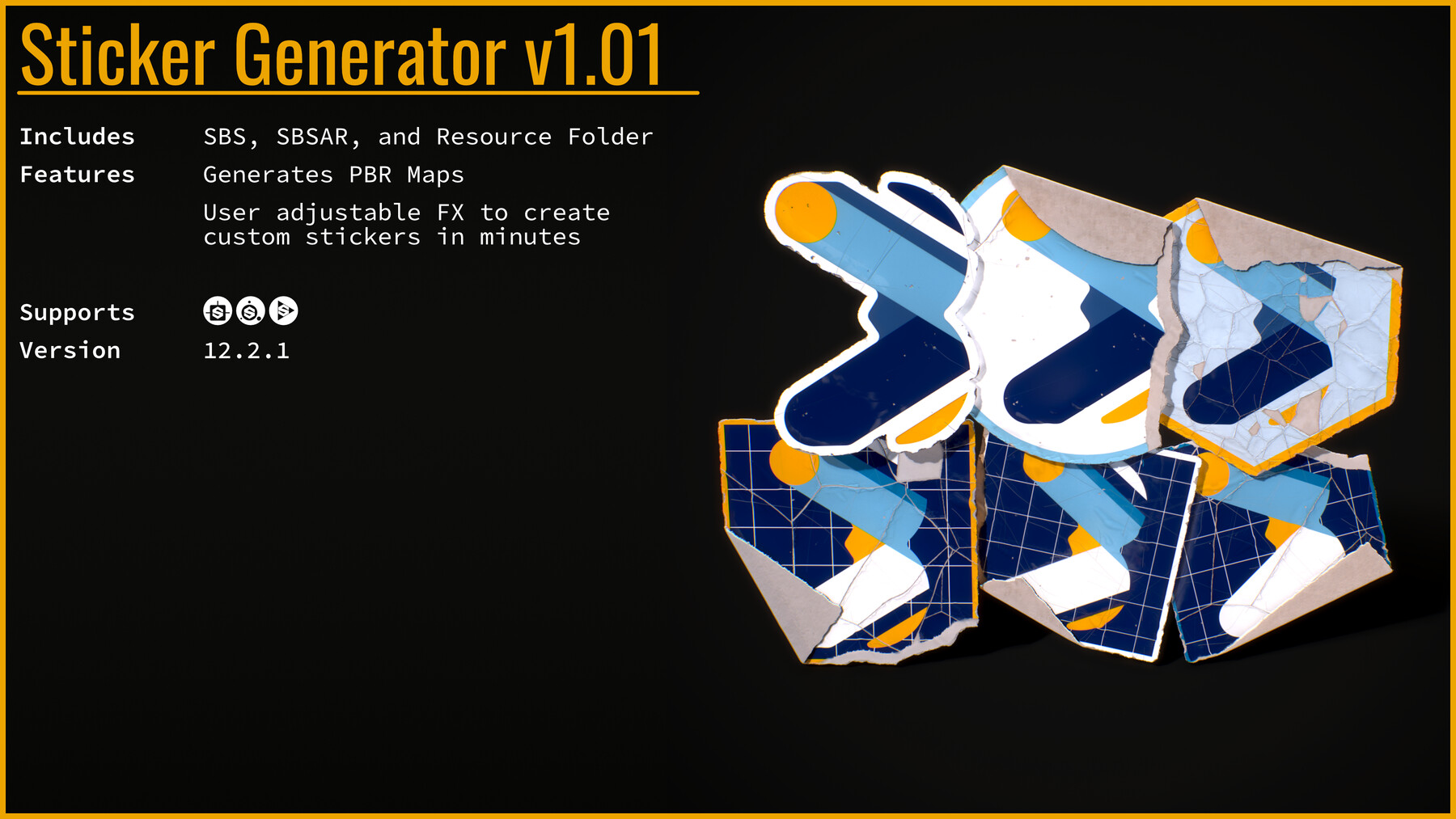
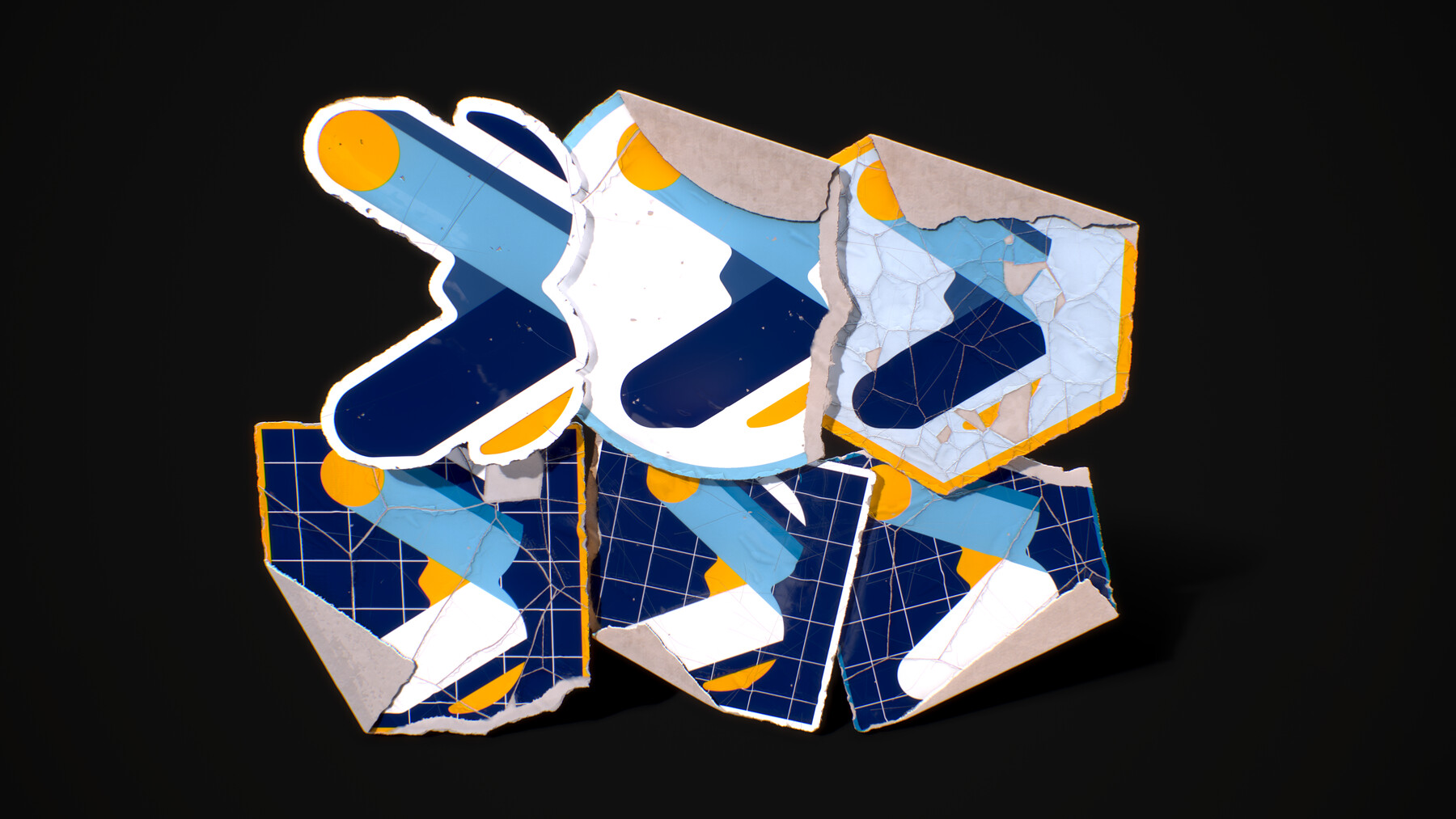
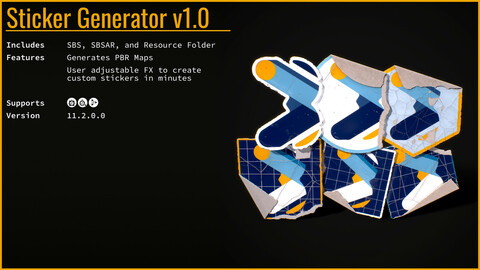
Want to add some life to a prop or environment in a quick and easy manner. Well now you can take either your own created image or ones already made by your team, and input them into the Sticker Generator and in minutes have a custom sticker that looks world worn with all PBR maps generated. This can be done in Substance Designer, Substance Painter, or Substance Player.
View more on the Sticker Generator Project Page
What's included?
Sticker Generator Version 1.0
StickerGeneratorV1.0.sbs file with all effects included
- Resource Folder included with Default logo image to test with, usable with custom input images as well
StickerGeneratorV1.0.sbsar tested for use with Substance Painter and Substance Player
*Files come packaged as a .7z archive
What's Generated?
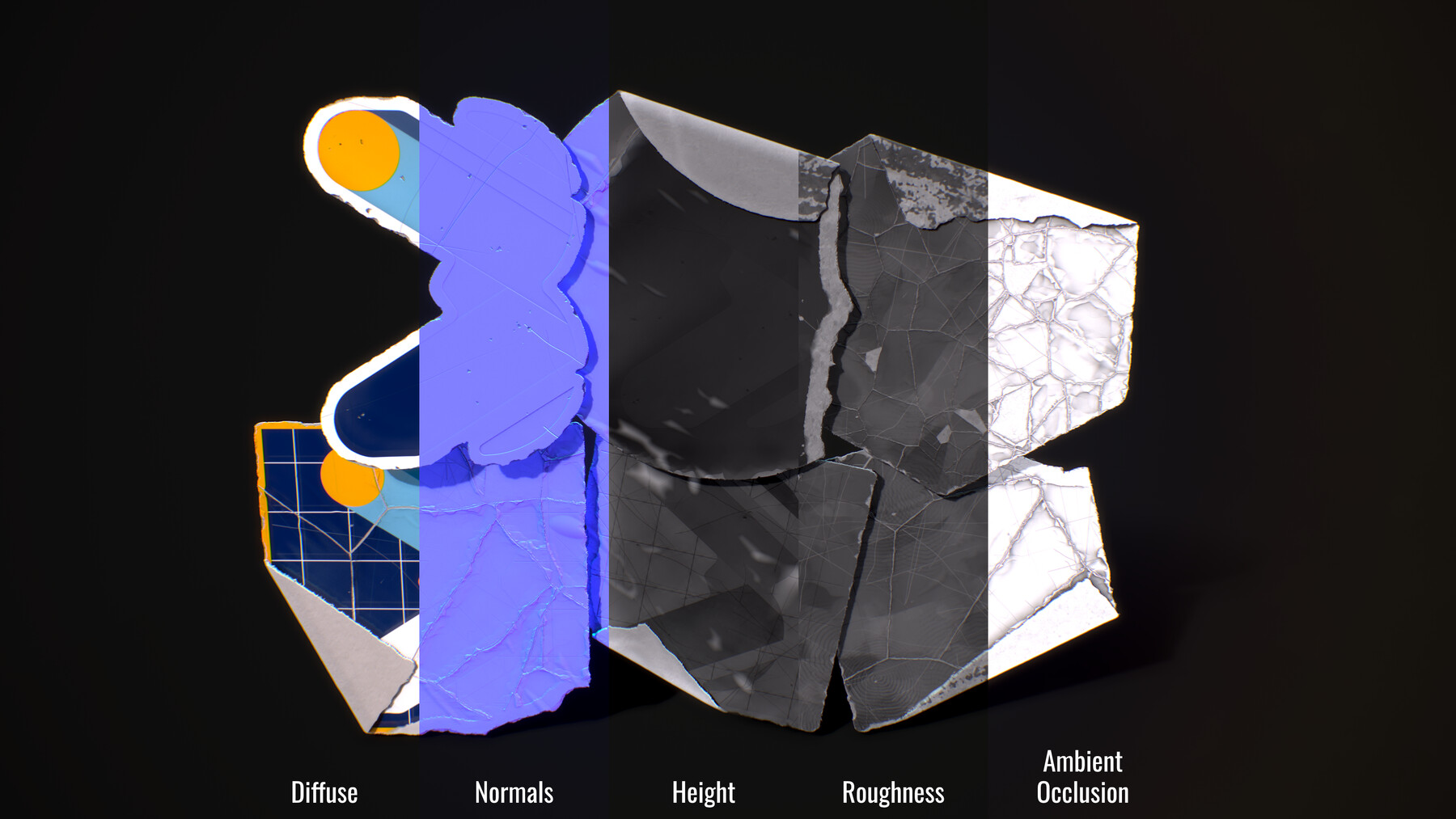
PBR maps - DIffuse, Normals, Height, Roughness, Metalness, Ambient Occlusion, Opacity, and Image Mask (used to mask in Substance Painter).
Current Effects:
- Customizable background shapes, color, outline, and outline color
- Adjust input image shape, size, and rotation
- Adjustable paper color sets
- Sticker edge wear, with a relative background edge wear
- Sticker chipping, and scratches
- Create folds with customizable rotation and depth
- Sticker tear with rotation, depth, and tear width. This effect works with the fold effect
- Cracks effect with scale, and controls for varied internal cracks amount, crack width
- Bubbles and Directional Wrinkles that deform the sticker
- Fingerprints and Smudges with user controls that effect the Roughness
Substance Painter Tip:
- If you are using this with Substance Painter; select the generators layer when you drop it onto your model, and then go to the layer properties panel. Under the Channels Mapping section go to the very bottom and the Mask drop down box and select the Image Mask or Opacity inputs. This will mask the sticker as expected and fix the paper bleeding outside of the expected area!
Thanks for checking out my Sticker Generator!
You can head over to my portfolio page to check out the Sticker Generator project with additional videos and images on the generators effects.
Here's a quick demo in Substance Player showing each effect along with the image input.
Updated to Substance Designer 12.2.1
*Personal, Small Business, and Studio Licenses are available. Personal licenses do not apply to companies or organizations. Sharing, streaming, and redistribution to third-party is strictly prohibited.
*Digital products are non-refundable
*some effects do not work edge to edge, so scaling the input image or background size may be required for some effects to generate correctly. Scaling functions are provided in the generator.
*Currently supports square image inputs only (otherwise stretching will occur), you can take any non square images and save them on square canvas with transparency and that would give the equivalent effect.
Release Notes
- Added ability to turn of outlines on stickers
- Fixed bug, outline width when reduced to 0 left a small border, this is fixed by using outlines toggle in new release
- Updated to Substance Designer v 12.2.1
CATEGORIES
Personal License
USD $5.00
License: Standard License
Stock Assets
For personal use and one commercial project (up to 2,000 sales or 20,000 views).
TutorialsOne copy to be used by a single user.
Installable ToolsOne installation by a single user.
Learn MoreSingle non-commercial license. This license does NOT apply to companies. Read MoreRead Less
Files (2)
Small Business License
USD $25.00
License: Extended Commercial License
Stock Assets
For use on an unlimited number of commercial projects with no limits on sales or views.
Learn MoreCommercial License for companies, studios, and schools with revenue UNDER $100k Read MoreRead Less
Files (2)
Studio License
USD $100.00
License: Extended Commercial License
Stock Assets
For use on an unlimited number of commercial projects with no limits on sales or views.
Learn MoreCommercial License for companies, studios, and schools with revenue OVER $100k Read MoreRead Less
Files (2)
https://artstn.co/m/JWPgg
Copied
Ratings & Reviews
Sort by:LikesDate
Reviews (1)
 Marek Grzejszczak
00Report| Release v.1.01 | Personal License | over 3 years ago
Finally a proper procedural material for stickers. Highly customizable, basicly fulfills all my needs when painting stickers on hard surface models. Thank you
Filter by Rating
Add a tip for Brennan White
Tips are appreciated, but optional!